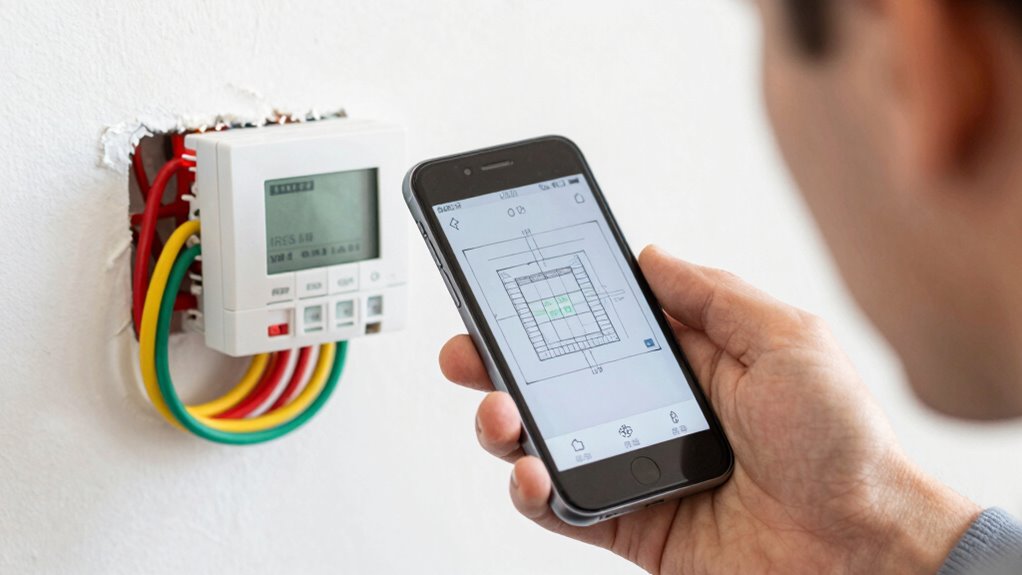

Before buying a smart thermostat, check if your existing wiring includes a C-wire, which supplies constant power. Look at your current thermostat wiring or open the control panel to see if a wire labeled ‘C’ exists. If it’s missing, installing a new wire or finding alternative power options may be necessary. Knowing this simple test upfront can save you time and hassle later—stay with us to find out how to handle it if your home lacks a C-wire.
Key Takeaways
- Check your existing thermostat wiring for a wire labeled “C” to confirm the presence of a C-wire.
- Turn off power, remove the thermostat cover, and examine the wiring terminals for a dedicated C-wire connection.
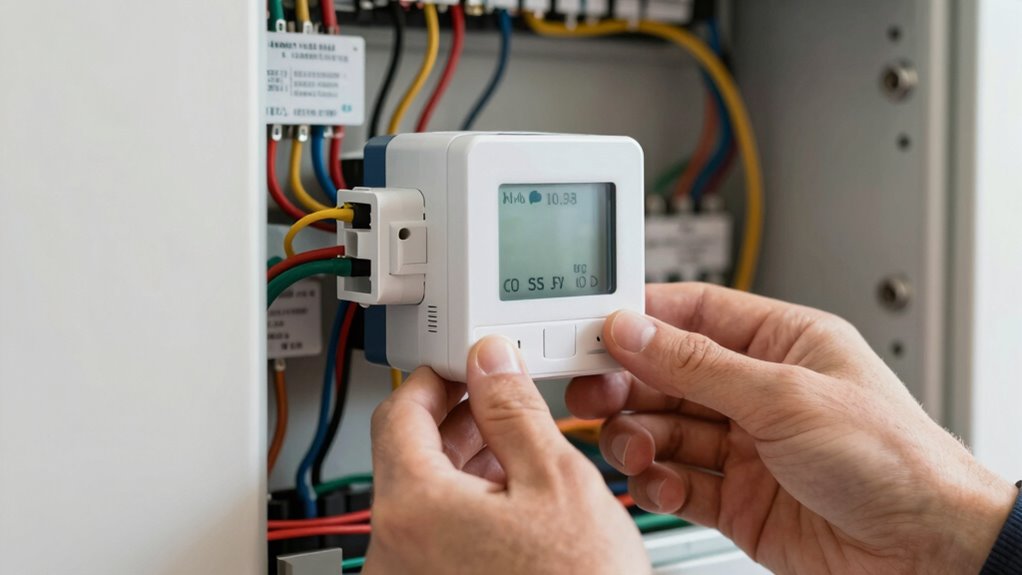
- Use a multimeter to test for 24V between the R and C terminals at the HVAC control board.
- If no C-wire is present, consider alternative solutions like power-stealing thermostats or running new wiring.
- Many smart thermostats specify compatibility with or without a C-wire—verify this before purchasing.
If you’re installing a new thermostat and encounter the term “C‑wire,” you might feel confused about its purpose and necessity. The C-wire, short for “common wire,” supplies continuous power to your thermostat, which is especially important for smart thermostats that rely on Wi-Fi and advanced features. Without it, your new device may not function properly or could face frequent power issues. Many homes lack a dedicated C-wire in their existing wiring, making installation more complicated and leading to potential installation challenges. This is where wireless thermostats come into play; they often claim to be easier to install, but if your system lacks a C-wire, you might still face hurdles. Some models offer power-through options or use battery backup, but these solutions aren’t foolproof for all setups. Understanding the wiring setup can save you time and frustration during installation.
Before you decide to buy a smart thermostat, it’s wise to perform a simple test to determine if your system has a C-wire. This involves inspecting your current wiring at the thermostat or the HVAC control board. If you see a wire labeled “C,” you’re in luck—installing a new smart device will be straightforward. If not, you might need to consider alternative installation methods or additional equipment, which can complicate the process. Missing a C-wire can turn what should be a simple upgrade into a project filled with unforeseen challenges. You might find yourself needing to run new wiring, use power adapters, or select a thermostat designed specifically for systems without a C-wire. Each of these options adds complexity and cost, so it’s best to assess your setup first.
Wireless thermostats are appealing because they eliminate the need for extensive wiring, but they’re not entirely immune to installation challenges. Some models can operate without a C-wire by using power-stealing technology or batteries, but these solutions sometimes lead to inconsistent performance or shorter device lifespan. If your system’s wiring doesn’t support these features, you could face frequent recharging or replacement issues. Understanding whether your setup has a C-wire isn’t just about ease—it directly impacts the reliability and functionality of your smart thermostat.
smart thermostat with C-wire compatibility
As an affiliate, we earn on qualifying purchases.
As an affiliate, we earn on qualifying purchases.
Frequently Asked Questions
Can I Install a Smart Thermostat Without a C-Wire?
Yes, you can install a smart thermostat without a C-wire, but it depends on your system’s voltage compatibility. Many models use wireless power, drawing minimal energy from the existing wires, making installation easier. However, verify your system supports this, or you might need a power extender kit. Always check if your thermostat is compatible with your wiring setup and voltage before installation to avoid issues later.
What Are Alternative Power Options for Smart Thermostats?
You can use wireless power options or battery-powered thermostats if you lack a C-wire. Wireless power involves using devices that draw energy from nearby sources or through power adapters, while battery-powered thermostats rely on rechargeable or replaceable batteries. These options let you install smart thermostats without needing a C-wire, making setup easier. Just verify your chosen thermostat supports these power options and check battery life to avoid surprises.
How Do I Identify if My HVAC System Needs a C-Wire?
To identify if your HVAC system needs a C-wire, start with wire detection by removing your current thermostat cover and checking for a wire in the C-terminal terminal. If there’s no wire, perform a compatibility check by turning off power, removing the thermostat, and inspecting the wiring. If you don’t see a C-wire or it’s unconnected, your system likely needs a C-wire for smart thermostat compatibility.
Are There Any Risks in Attempting to Add a C-Wire Myself?
Attempting to add a c-wire yourself is like sailing uncharted waters—you could hit hidden dangers. DIY risks include wiring hazards that might cause electrical shocks or damage your HVAC system. If you’re not experienced, you might misjudge connections, risking safety and costly repairs. It’s best to consult a professional to guarantee the job’s done safely and correctly, avoiding these hazards and ensuring your smart thermostat works flawlessly.
Will My Existing Thermostat Wiring Work With All Smart Thermostats?
Your existing thermostat wiring might work with all smart thermostats, but it depends on your wire color and compatibility. Check if your wires include a C-wire, often blue or black, to power the device. Many smart thermostats require a C-wire for proper operation. If your wiring lacks a C-wire or has different colors, you may need an adapter or professional installation to guarantee compatibility.
wireless thermostat without C-wire
As an affiliate, we earn on qualifying purchases.
As an affiliate, we earn on qualifying purchases.
Conclusion
So, after all this, you’d think checking for a C-wire would be a no-brainer. But here you are, still unsure, possibly avoiding the simple test that could save you headaches. Ironically, the very thing that seems so complicated might just be a quick glance away. Don’t overthink it—sometimes the simplest step reveals the biggest truth. Because in the end, a little wiring knowledge could keep your smart thermostat from turning into a smart frustration.
multimeter for HVAC wiring
As an affiliate, we earn on qualifying purchases.
As an affiliate, we earn on qualifying purchases.
power-stealing smart thermostat
As an affiliate, we earn on qualifying purchases.
As an affiliate, we earn on qualifying purchases.