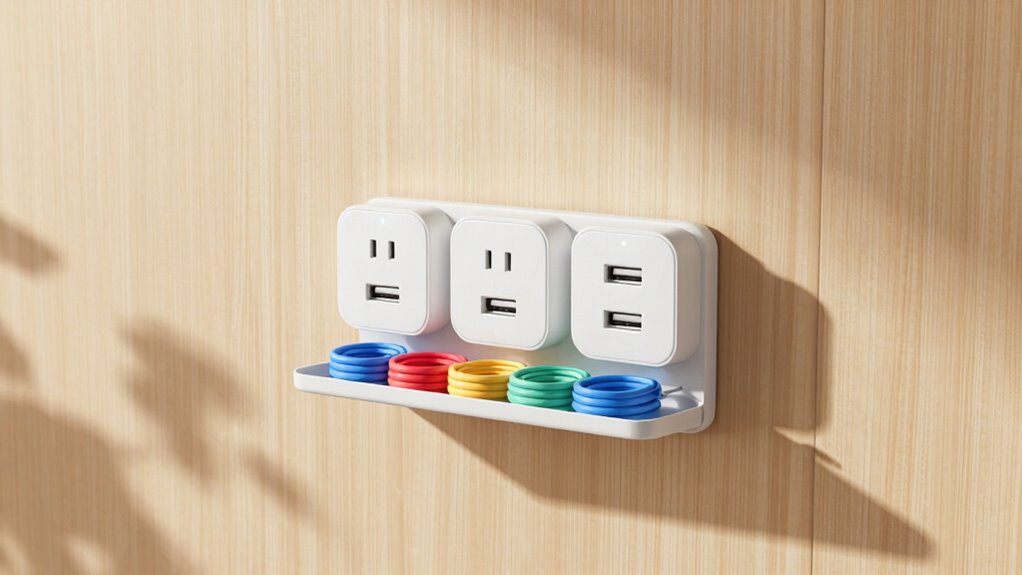

To set up a simple, user-friendly charging station, choose a central, accessible spot like a countertop or shelf, ensuring it’s out of the way. Use wireless charging pads for everyday devices and organize cords with clips or sleeves to reduce clutter. Support multiple devices by selecting a power source with enough capacity. Keep cables neat and regularly check the setup to stay tidy. If you keep going, you’ll discover even smarter ways to make your station more efficient.
Key Takeaways
- Choose a central, accessible location that is out of the way and convenient for all users.
- Incorporate wireless charging pads for easy, cord-free device charging.
- Organize cables with clips, sleeves, and labels to prevent clutter and tangling.
- Use cable management tools to keep cords neat and extend device lifespan.
- Ensure a reliable power source with sufficient capacity for multiple devices simultaneously.
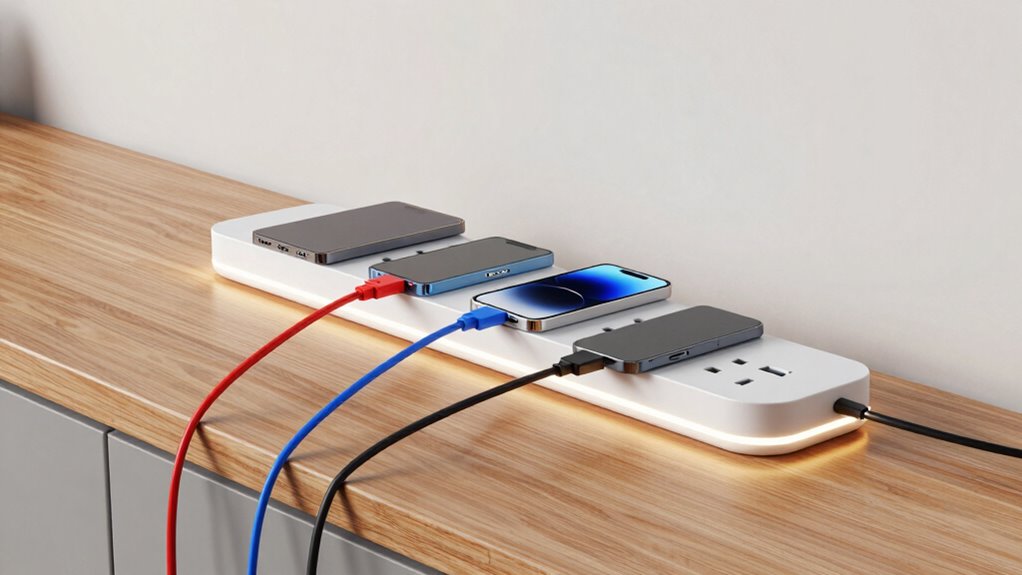
Setting up a simple charging station is a practical way to keep your devices organized and ready to use. When you create a dedicated spot for charging, you reduce clutter and make it easy for everyone in your household or office to find and power up their devices. To start, choose a central location that’s accessible but out of the way, such as a countertop, a section of your desk, or a shelf. This makes it convenient for everyone to reach their devices without disrupting daily activities.
Create a dedicated, accessible spot for your devices to keep your space organized and charging hassle-free.
Next, consider incorporating wireless chargers into your setup. Wireless charging pads eliminate the need for multiple cords and make charging effortless. They’re especially handy if you have smartphones that support Qi wireless charging. Simply place the device on the pad, and it begins charging without fuss. This minimizes cable clutter and makes the station look neater. If you have a variety of devices requiring different charging methods, you might want to include both wireless chargers and traditional cables to accommodate everyone’s needs.
Cable organization is crucial to maintaining a tidy station. Use cable clips, sleeves, or dividers to keep cords neatly bundled and prevent tangling. Label the cables if needed, so everyone knows which cord belongs to which device. Make sure the cables are long enough to reach devices comfortably but not so long that they create a mess. You can also hide excess cable length behind the station or in a designated cable management box to keep things tidy. Keeping cables organized not only looks better but also reduces wear and tear on the cords, extending their lifespan. Additionally, choosing proper cable management tools can significantly improve the overall neatness and safety of your setup. Incorporating ergonomic considerations when arranging your charging station can further enhance usability and comfort for everyone using it.
Adding a power source with sufficient capacity ensures that your station can support multiple devices simultaneously without overload.

Wireless Charger 2Pack 6FT 15W Samsung Magnetic MagSafe Charger
- Magnetic Alignment for Stable Charging: Automatically aligns and holds phone securely
- 15W Fast Wireless Charging: Supports quick charging for Samsung Galaxy devices
- Sleep-Friendly LED Indicator: Soft, automatic-off breathing light during charging
As an affiliate, we earn on qualifying purchases.
As an affiliate, we earn on qualifying purchases.
Frequently Asked Questions
What Safety Precautions Should I Consider When Setting up a Charging Station?
When setting up your charging station, you should prioritize safety by protecting against power surges with surge protectors. Keep cables organized with proper cable management to prevent tripping hazards and damage. Make certain outlets are grounded and avoid overloading circuits. Regularly inspect cords and chargers for wear or damage. Clearly label each station for easy identification, and educate users on safe usage practices to prevent accidents.
Can I Include Wireless Charging Options in My Station?
Yes, you can include wireless charging options in your station. Focus on wireless compatibility to guarantee devices work seamlessly. Place the charging pad where users can easily access it, avoiding clutter and interference from other electronics. Consider the charging pad placement carefully, positioning it on a flat, stable surface at a convenient height. This setup encourages everyone to use the station comfortably and safely, enhancing overall usability.
How Many Devices Can a Single Charging Station Support Simultaneously?
A well-designed charging station acts like a bustling hub, supporting multiple devices at once. Typically, it can handle 4-6 gadgets, depending on your power source’s capacity. To keep this lively scene tidy, cable management is essential—think of it as the conductor guiding the flow. Make certain your power source can handle the load, and use organizers to prevent tangles, so everyone’s charged and happy without chaos.
What Are the Best Locations for Installing a Charging Station?
You should install your charging station near designated parking areas to guarantee accessibility and convenience. Choose a location with well-placed power outlets, ideally close to existing electrical sources, to simplify installation. Avoid areas with excessive foot traffic or obstructions. Placing it in a visible, easy-to-access spot encourages usage and makes charging hassle-free for everyone. Proper placement ensures safety, efficiency, and user satisfaction.
How Do I Maintain and Troubleshoot My Charging Station?
To maintain and troubleshoot your charging station, regularly check device compatibility to guarantee all gadgets charge properly. Keep the station clean and free of dust, and inspect cables and connections for damage. Monitor power management settings to prevent overloads and optimize charging efficiency. If a device isn’t charging, reset the station or restart the power supply. Consistent maintenance and attention to device compatibility help keep your station running smoothly.
Conclusion
Now that you’ve set up your charging station, you’ve created a beacon of connection in your space. Just like a lighthouse guiding ships safely to harbor, your station offers a steady hand in a world that’s constantly on the move. It’s more than just a spot to power devices—it’s a hub of energy, community, and possibility. Keep it simple, keep it accessible, and watch how it becomes an essential part of your daily flow, illuminating everyone’s path.