
Wi-Fi 7 boosts speeds and handles multiple devices better, but it doesn’t fix dead zones by itself. To eliminate dead zones, you need a mesh network, which uses multiple nodes to expand coverage and adapt to your home’s layout. Pairing Wi-Fi 7 with mesh tech gives you super-fast internet and seamless coverage. If you want to know how combining these options can optimize your network, there’s more to discover below.
Key Takeaways
- Mesh networks create a seamless Wi-Fi coverage area, effectively eliminating dead zones through multiple strategically placed nodes.
- Wi-Fi 7 alone doesn’t address dead zones unless paired with compatible hardware and additional access points.
- Combining Wi-Fi 7 with mesh technology offers both high speeds and expanded coverage to fix dead zones comprehensively.
- Mesh systems are flexible and easy to deploy in complex layouts, ensuring consistent coverage across large or multi-story homes.
- Upgrading to Wi-Fi 7 benefits high-speed activities but requires device compatibility; mesh systems enhance coverage regardless of Wi-Fi version.
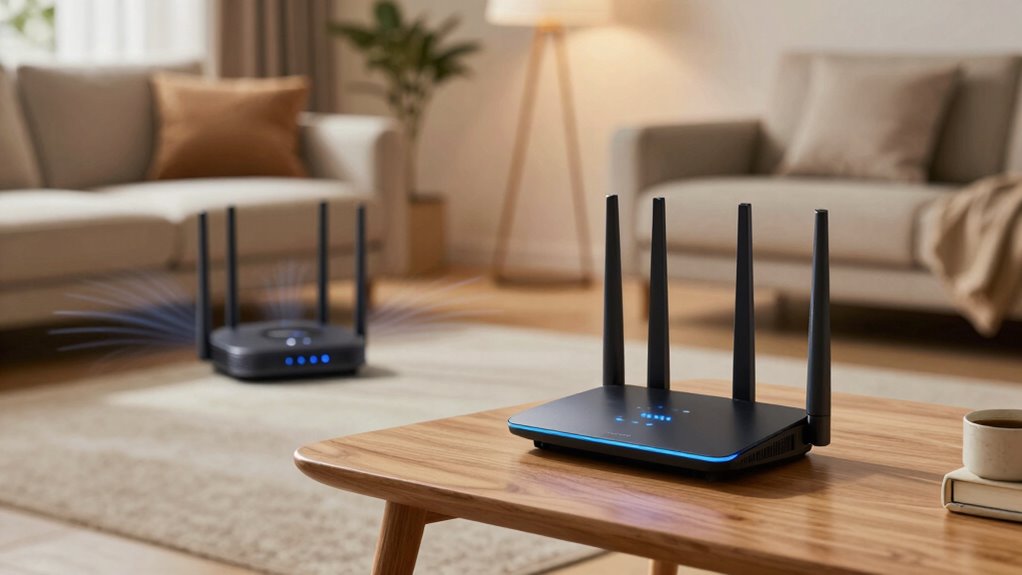
As Wi-Fi technology continues to evolve, many users wonder whether upgrading to Wi-Fi 7 or sticking with mesh networks makes more sense. Both options aim to eliminate dead zones and improve internet coverage, but they do so in different ways. When evaluating which solution is best for your home or office, consider factors like bandwidth capacity and device compatibility. Wi-Fi 7 promises markedly higher bandwidth, enabling faster speeds and better handling of multiple devices simultaneously. This means your network can support more high-bandwidth activities, such as 4K streaming, online gaming, and large file transfers, without slowing down. However, to fully benefit from Wi-Fi 7, your devices need to be compatible with the new standard, which may involve upgrading hardware. If most of your devices are older or only support previous Wi-Fi standards, investing in Wi-Fi 7 might not deliver the full advantages yet.
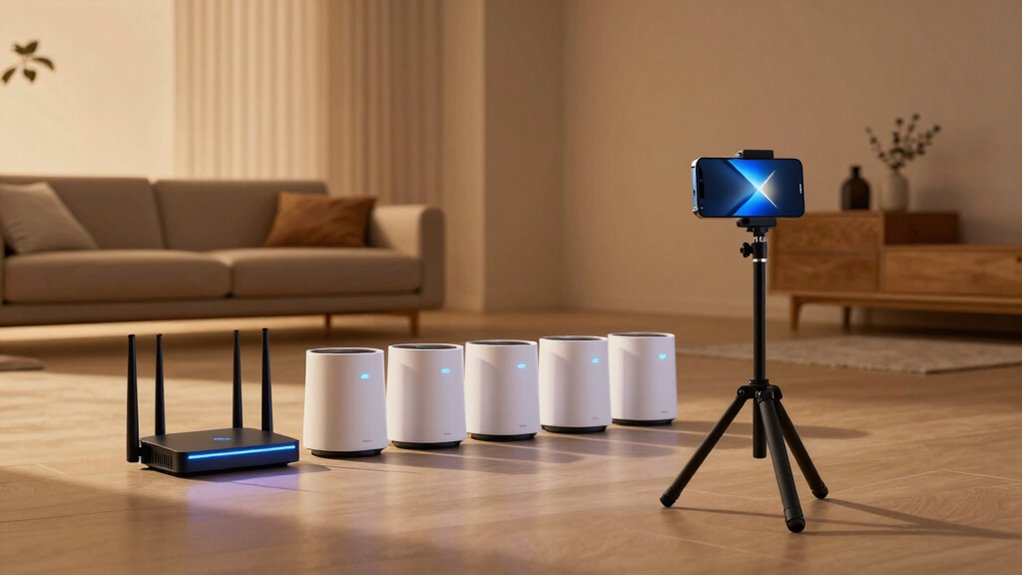
On the other hand, mesh networks have been a popular solution for eliminating dead zones for years. They work by deploying multiple nodes throughout your space, creating a seamless Wi-Fi blanket. Mesh systems are generally easy to set up and adapt to different environments, making them a flexible choice. They excel at expanding coverage without sacrificing speed, especially when using dual-band or tri-band setups that manage traffic efficiently. Mesh networks are also compatible with a wide range of devices, as they typically support standard Wi-Fi protocols. This means you won’t need to upgrade all your gadgets immediately, and you can keep your existing devices connected while enjoying improved coverage. Additionally, mesh networks can be optimized with local automation and smart placement, enhancing coverage and performance in complex layouts.
While Wi-Fi 7’s increased bandwidth capacity can handle the demands of modern, high-speed applications, it doesn’t inherently solve dead zones unless paired with compatible hardware and strategic placement. Mesh networks, however, are specifically designed to address coverage gaps by placing nodes where signals weaken or drop out. They are especially effective in larger or multi-story homes where Wi-Fi signals struggle to reach every corner. Combining a mesh system with Wi-Fi 7 technology in the future could offer the best of both worlds—ultra-fast speeds and extensive coverage—if your devices support the latest standards.
Frequently Asked Questions
Can Wi-Fi 7 Replace Mesh Networks Entirely?
Wi-Fi 7 can potentially replace mesh networks, but it depends on your hardware compatibility and spectrum management needs. If your devices support Wi-Fi 7 and you optimize spectrum management, you might enjoy better coverage and fewer dead zones. However, mesh networks still excel in large or complex spaces, so consider your environment before relying solely on Wi-Fi 7. It’s not an outright replacement yet, but it’s a promising upgrade.
Do Mesh Networks Support Wi-Fi 7 Devices?
Yes, mesh networks support Wi-Fi 7 devices, enhancing mesh scalability and device interoperability. As Wi-Fi 7 becomes more common, mesh systems will integrate these devices smoothly, allowing you to expand coverage without sacrificing performance. This guarantees your network remains reliable and flexible, accommodating multiple Wi-Fi 7 devices seamlessly. You’ll benefit from faster speeds and better dead zone elimination, all while maintaining a cohesive, scalable mesh setup.
Which Is More Cost-Effective for Large Homes?
Choosing between Wi-Fi 7 and mesh for large homes is like picking between a rocket and a boat—both get you where you need, but at different costs. Mesh networks often win as more cost-effective options, especially considering the initial cost comparison and installation complexity. They’re easier to set up and expand, making them ideal for large spaces. Wi-Fi 7 offers faster speeds but can come with higher costs and more complex installation.
How Do Interference Issues Differ Between Wi-Fi 7 and Mesh?
You’ll find that Wi-Fi 7 manages interference better than mesh systems, thanks to advanced frequency management features. Wi-Fi 7 operates on multiple bands and uses dynamic spectrum sharing, reducing signal interference and congestion. Mesh networks, however, can struggle with interference in crowded environments because their devices often operate on the same frequency, leading to potential signal disruptions. So, Wi-Fi 7 offers a more robust solution for minimizing interference issues.
Are There Compatibility Concerns With Existing Devices?
Don’t put all your eggs in one basket; device compatibility can be a concern. With Wi-Fi 7, some older devices might not support the new standards, but firmware updates often help bridge the gap. Check your device specs and verify they’re up-to-date. If compatibility issues arise, consider upgrading your devices or using a mesh system that supports mixed generations for seamless connectivity.
Conclusion
Choosing between Wi-Fi 7 and mesh depends on your home’s layout and needs. Wi-Fi 7 offers cutting-edge speed, like a racehorse ready to sprint, ideal for connecting multiple devices quickly. Mesh, on the other hand, acts as a web, seamlessly covering dead zones with interconnected nodes. Think of it as building a digital spider’s web—ensuring your signal flows smoothly everywhere. Ultimately, pick what best weaves your home’s internet needs into a reliable tapestry.