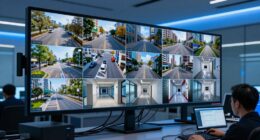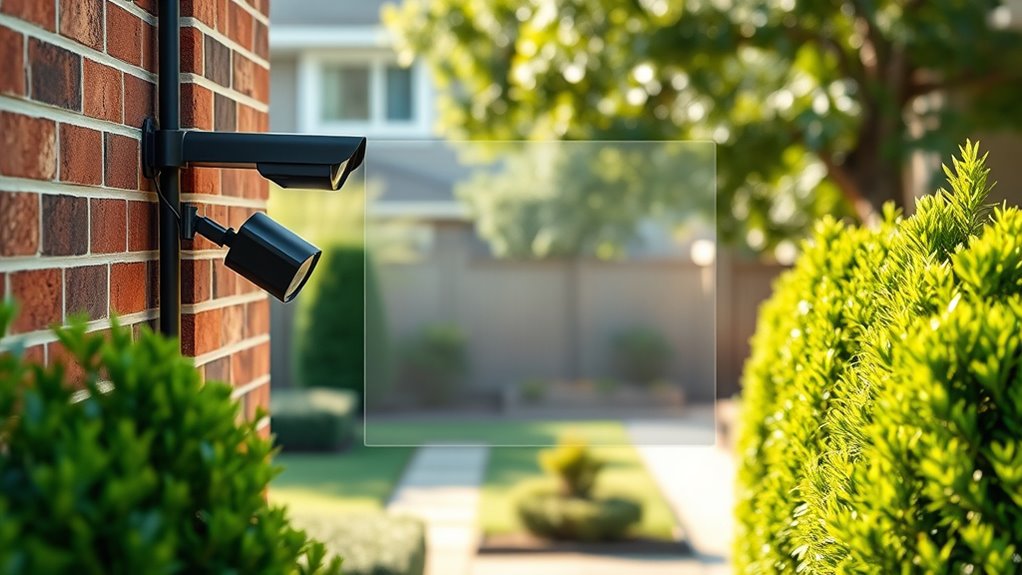
To keep your neighbors out of the frame, you can use privacy zones on your cameras to block those areas from being recorded. Place your cameras strategically at proper heights and angles, ensuring privacy zones cover neighbor yards or private scenes. Combine these zones with motion detection to focus alerts on your property only. Setting up and adjusting privacy zones regularly helps maintain your privacy effectively. Continue exploring to discover more ways to optimize your security setup.
Key Takeaways
- Strategically position cameras to cover your property while avoiding neighboring areas.
- Use privacy zones to block out neighbor yards and private spaces from camera footage.
- Adjust privacy zones regularly to account for changes in environment or landscaping.
- Combine privacy zones with motion detection to focus alerts on your property only.
- Ensure camera angles and height minimize unwanted recordings beyond designated privacy zones.
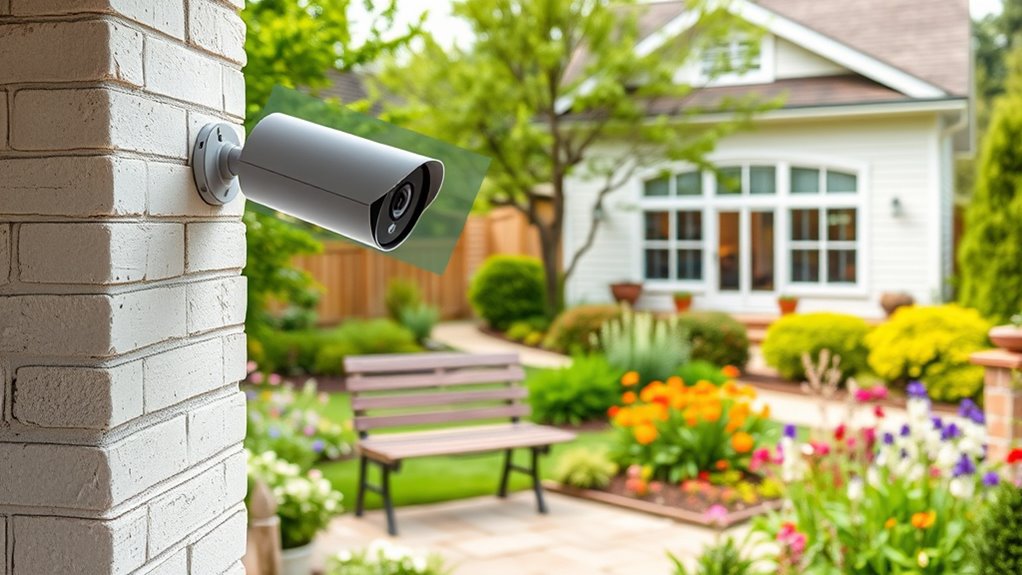
Privacy zones on cameras allow you to block out specific areas from being recorded or monitored, giving you greater control over your privacy. This feature is especially useful when you want to avoid capturing neighbors, passersby, or any unwanted scenes in your footage. By setting these zones, you ensure that your camera focuses only on what’s necessary, helping you maintain privacy while still keeping an eye on your property. When you’re considering where to place your camera, think carefully about camera placement—positioning it to cover key areas without overshooting into unwanted spaces. Proper placement ensures your privacy zones work effectively, preventing the camera from recording areas you want to keep private. Additionally, understanding the importance of contrast ratio can help you choose a camera with better image quality for clearer footage in various lighting conditions. Incorporating motion detection into your security setup enhances privacy zone functionality. When motion detection is active, your camera can alert you only when movement occurs in specific zones. This means you don’t have to sift through hours of footage or get notifications for every little movement outside your designated areas. Instead, your camera will only notify you if activity happens where you’ve placed privacy zones, ensuring your privacy is respected and your alerts are relevant. To maximize this, align your privacy zones with the areas you don’t want recorded, like neighboring yards or busy streets, and adjust your camera placement accordingly. The key to effective privacy zones is strategic camera placement. You want your camera positioned to cover the essential parts of your property, such as your front door or backyard, without capturing neighboring homes or private areas. Use a height and angle that minimizes blind spots and prevents your camera from recording beyond your intended zone. Combining smart camera placement with well-defined privacy zones ensures that you’re monitoring only what you want to see, reducing the risk of capturing sensitive or private scenes. Keep in mind that the effectiveness of your privacy zones depends on consistent camera placement and careful configuration. Regularly review your camera’s view and adjust the zones if your outdoor environment changes or if you notice unwanted footage. Properly set privacy zones, paired with thoughtful camera placement and motion detection, give you peace of mind, knowing your privacy is protected while your security remains intact. This way, you can keep the neighbors out of the frame without sacrificing the safety and surveillance you need.
Frequently Asked Questions
Can Privacy Zones Be Customized for Different Times of Day?
Yes, you can often customize privacy zones for different times of day with time-based customization. Many modern cameras offer dynamic privacy zones that adjust automatically based on your schedule or lighting conditions. This feature allows you to hide certain areas during specific times, like nighttime or when you’re away, providing tailored privacy. Check your camera’s settings to enable and set up these dynamic privacy zones for ideal privacy management.
Do Privacy Zones Affect Camera Motion Detection Accuracy?
Privacy zones can impact your camera’s motion detection accuracy. When you set privacy zones, the camera ignores those areas, which helps prevent false alarms caused by moving objects or neighbors. However, if the zones are too large or improperly placed, they may reduce overall motion sensitivity, making it harder to detect real intrusions. Adjusting your privacy zones carefully can balance privacy needs with maintaining reliable motion detection.
How Secure Are Privacy Zone Settings From Hacking?
Think of your privacy zone settings like a locked door—it’s a good start, but not invincible. They’re generally secure if your camera uses strong encryption standards, making hacking difficult. However, firmware vulnerabilities can still pose risks if updates aren’t applied promptly. To stay safe, regularly update your device firmware and choose cameras with robust encryption standards, ensuring your privacy zones stay private and protected from unauthorized access.
Can Multiple Privacy Zones Be Set on a Single Camera?
You can typically set multiple privacy zones on a single camera, but it depends on your camera model’s privacy zone limitations. Check your camera setup tips to see if it supports this feature, as some models allow several zones while others only one. To guarantee your privacy zones work effectively, carefully plan their placement during setup, and update your firmware regularly for maximum security and functionality.
Are Privacy Zones Compatible With All Camera Brands?
Your privacy zone question is vital because, without it, your security setup could become a nightmare. Not all camera brands support privacy zones, so compatibility varies widely. Some cameras may have limitations on the number or placement of zones, which could restrict your privacy preferences. Check your specific camera’s brand compatibility and privacy zone limitations before setting up to guarantee your privacy is fully protected.
Conclusion
By setting privacy zones, you’re planting a quiet garden of respect in your camera’s view—a sanctuary where neighbors’ privacy blooms undisturbed. Think of these zones as invisible fences, safeguarding your community’s trust while still watching over your space. With each zone, you’re weaving a tapestry of harmony and understanding, ensuring everyone feels safe and respected. Embrace this balance, and your camera becomes a symbol of care—a silent guardian that honors both security and neighborly bonds.