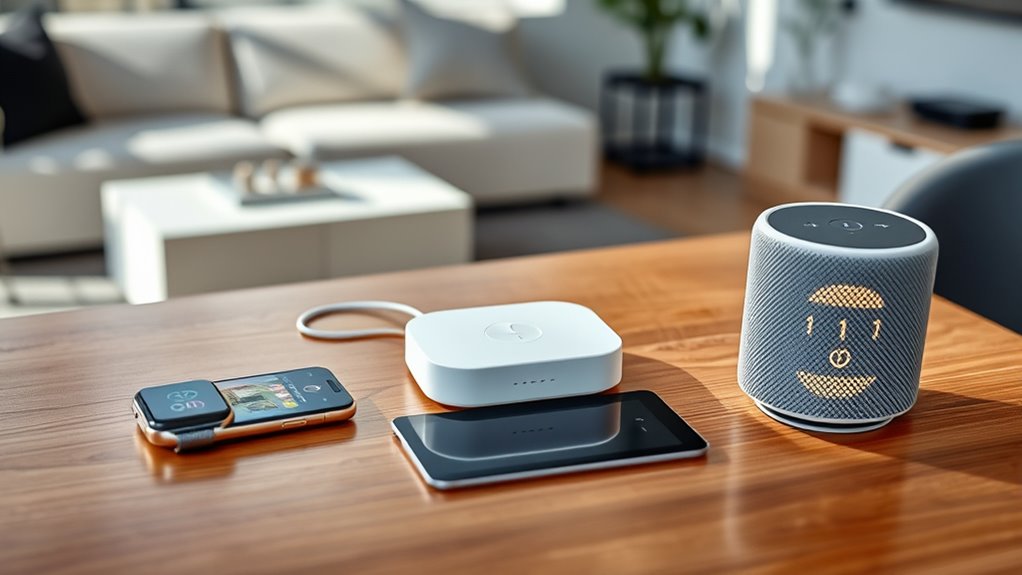

To guarantee your devices work smoothly together, focus on selecting ones that support the same wireless standards like Wi-Fi, Bluetooth, or Zigbee. Compatibility issues often occur when devices use different protocols, so look for products with industry certification or open standards. Using universal hubs can help bridge incompatible systems, simplifying setup and communication. Understanding these standards and how they connect is key to building a truly seamless and efficient smart environment—continue to explore how to optimize your device interoperability.
Key Takeaways
- Use devices supporting the same wireless standards (e.g., Zigbee, Z-Wave) to ensure compatibility.
- Opt for certified devices that adhere to industry standards for reliable interoperability.
- Employ universal hubs or controllers to bridge different protocols and facilitate seamless communication.
- Keep device firmware updated to improve compatibility and support for new standards.
- Understand the wireless standards governing your devices to create an integrated, cohesive ecosystem.
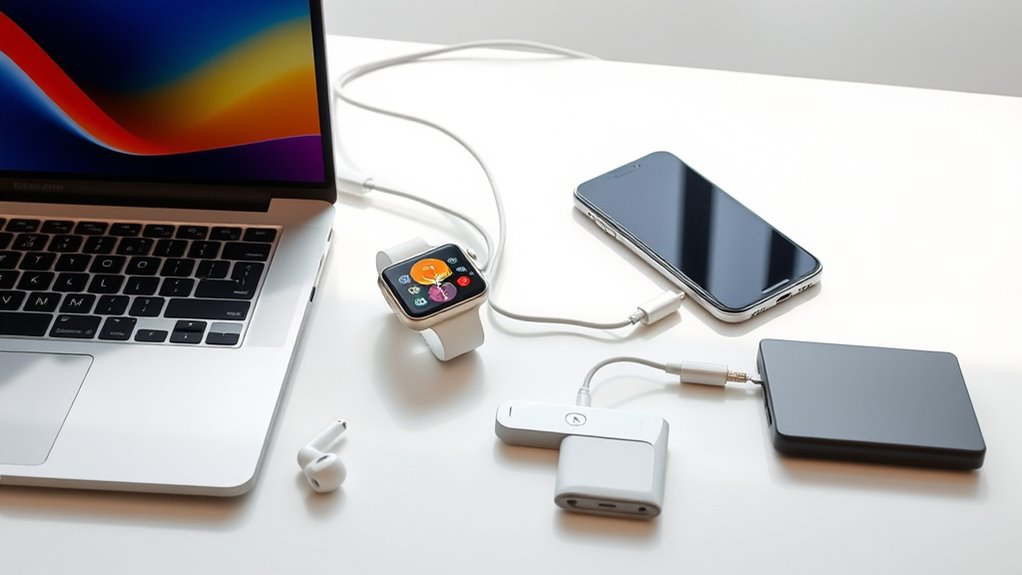
Have you ever struggled to get different devices or software to work seamlessly together? If so, you’re not alone. In today’s tech-driven world, achieving smooth device integration can feel like a puzzle. The key lies in understanding wireless standards, which dictate how devices communicate over wireless networks. These standards, such as Wi-Fi (IEEE 802.11), Bluetooth, and Zigbee, set the rules for data transfer, compatibility, and security. When devices adhere to the same standards, they can connect effortlessly, reducing frustration and increasing efficiency. Without this common ground, you might find yourself tangled in incompatible hardware or software that refuses to cooperate.
To guarantee effective device integration, it’s crucial to choose products that support the same wireless standards. For instance, if your smart home devices all use Zigbee or Z-Wave, they can operate harmoniously, giving you a cohesive system. Conversely, mixing incompatible standards often results in connectivity issues or limited functionality. Manufacturers now recognize the importance of compatibility, and many devices support multiple standards to broaden their interoperability. This flexibility makes it easier for you to build a connected environment tailored to your needs.
Another critical aspect of interoperability is understanding how different devices communicate and whether they can exchange data smoothly. Compatibility issues often arise when devices have different hardware architectures, software platforms, or communication protocols. To minimize these problems, look for devices with open standards or those certified by industry organizations. Certification ensures that products meet specific interoperability criteria, so you can trust they’ll work well with other devices. Additionally, firmware updates can improve compatibility by fixing bugs or adding support for new standards, so keeping your devices updated is a good practice.
In many cases, the use of universal hubs or controllers simplifies device integration. These hubs act as central points, translating signals between different protocols and standards, effectively bridging gaps between incompatible devices. For example, a smart home hub might connect Zigbee, Z-Wave, and Wi-Fi devices, allowing you to control everything from a single app. This approach saves you time and effort, especially in complex setups, and helps assure that all your devices can communicate effectively. Glycolic acid, which is also used in skincare, can even be incorporated into some smart skincare devices to monitor skin health over time.
Ultimately, achieving interoperability and compatibility isn’t just about choosing the right hardware; it’s about understanding the standards that govern device communication. When you prioritize wireless standards and proper device integration, you create a seamless ecosystem that works together effortlessly. This not only enhances your user experience but also future-proofs your investments, making it easier to add new devices down the line. By paying attention to these details, you can enjoy a hassle-free, interconnected environment where everything works together as it should.
Frequently Asked Questions
How Can I Test Device Compatibility Before Purchase?
You should check user reviews to see if others have tested the device’s compatibility with your existing gadgets. Look for comments about firmware updates, as they can improve or hinder device interoperability. Visit the manufacturer’s website for detailed specs and compatibility lists. If possible, test the device in-store with your setup or ask the seller for a return policy if it doesn’t work as expected.
What Are Common Barriers to Device Interoperability?
Did you know that over 60% of device integration issues stem from standardization challenges? You’ll find that vendor fragmentation often creates barriers to interoperability, as different companies use incompatible protocols or standards. This fragmentation hinders seamless device communication, making it difficult for you to connect and operate multiple devices smoothly. To overcome this, look for devices that adhere to common standards or support open protocols, ensuring better compatibility.
Do Compatibility Issues Impact Device Security?
Compatibility issues can definitely impact your device security. When devices don’t work well together, security vulnerabilities may arise because firmware updates might not install correctly or promptly. This leaves your devices exposed to threats. To keep your systems secure, verify all devices are compatible and receive regular firmware updates. Staying proactive helps prevent security gaps caused by compatibility problems, safeguarding your data and network from potential attacks.
How Often Do Interoperability Standards Change?
Like the shifting sands of the desert, interoperability standards evolve regularly. You can expect standard updates to occur every few years, driven by protocol evolution to keep pace with technological advances. These changes aim to improve compatibility and security, but they also require you to stay informed so your devices remain functional. While not happening daily, these updates are steady, ensuring your devices continue working seamlessly in an ever-changing digital landscape.
Can Outdated Devices Still Be Compatible With New Technology?
Outdated devices can still be compatible with new technology, but it depends on their legacy systems and firmware updates. If your device’s firmware is up-to-date, it’s more likely to work smoothly with newer systems. However, without recent updates, compatibility issues may arise, limiting functionality or causing connection problems. To improve compatibility, regularly check for firmware updates and consider upgrading legacy systems when possible.
Conclusion
By prioritizing interoperability and compatibility, you guarantee your devices work seamlessly together, saving time and reducing frustration. Did you know that over 80% of consumers say compatibility issues have impacted their user experience? Staying informed about standards and updates helps you avoid these problems. When devices communicate effectively, you get a smoother, more efficient experience. So, always check compatibility before upgrading—it’s the key to a hassle-free tech environment you’ll enjoy every day.