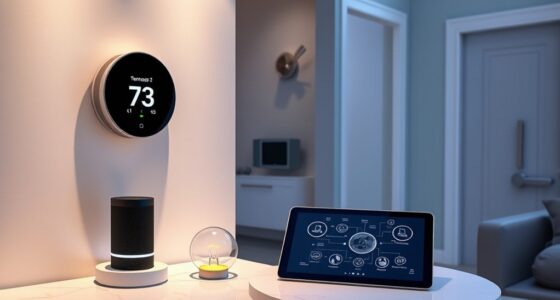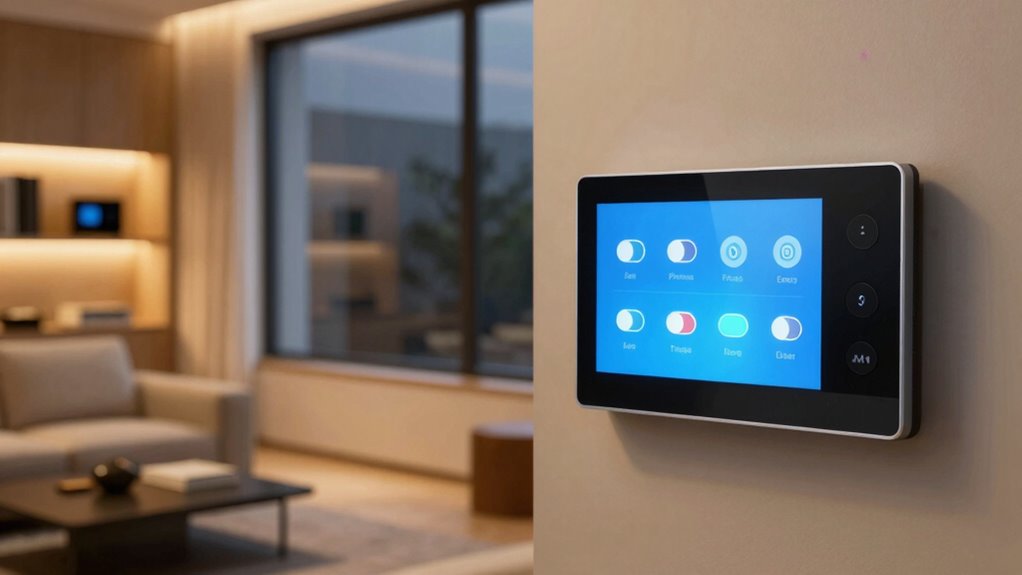
To protect your privacy, you should turn off your smart home device’s voice recording feature. Disable voice activation or limit listening time to prevent constant monitoring and accidental recordings. Regularly delete stored voice data and review privacy settings to restrict data sharing. Make sure your Wi-Fi network is secure and firmware is up to date. Taking these steps helps keep your conversations private, and if you continue exploring, you’ll discover more ways to stay safe.
Key Takeaways
- Disable or limit voice assistant listening to prevent constant recording of conversations.
- Turn off “always listening” features to reduce unintended data collection.
- Regularly delete stored voice recordings to protect your privacy.
- Review and restrict data sharing settings to prevent unnecessary information sharing.
- Keep device firmware updated to ensure security patches protect your privacy.
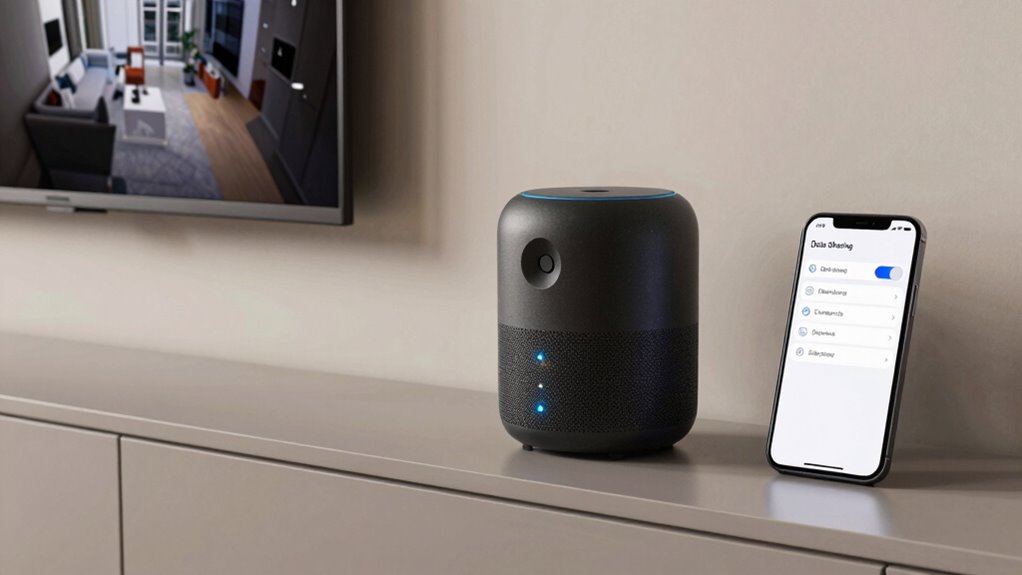
As smart home devices become more common, protecting your privacy is more important than ever. Many of these devices rely on voice command security to respond to your requests, but that convenience can come with risks. When voice assistants are constantly listening, they could inadvertently capture sensitive conversations or personal data. Understanding how to manage these settings is key to safeguarding your privacy.
Protect your privacy by managing smart device voice settings and limiting constant listening features.
One of the first steps is to review your voice command security settings. Most smart devices have options to disable voice activation entirely or limit when they listen. You don’t have to turn off the device completely, but you should consider toggling off the “always listening” feature if you’re concerned about privacy. This prevents your device from constantly monitoring sounds in your environment, reducing the chance of accidental recordings. Some devices allow you to delete voice recordings stored on their servers, but it’s better to prevent the recordings from being made in the first place.
Alongside voice command security, data encryption techniques play an essential role in protecting your information. When data is transmitted between your device and servers, robust encryption ensures that no one can intercept and read your conversations or commands. Check that your smart home system employs up-to-date data encryption techniques—these often include protocols like TLS (Transport Layer Security) and end-to-end encryption. These measures prevent hackers from eavesdropping or tampering with your data, making it much harder for malicious actors to access sensitive information.
Beyond encryption, you should also consider managing your device’s data sharing settings. Many smart home platforms collect and analyze user data to improve functionality, but this data can also be exploited if not properly secured. Regularly review your privacy settings and limit data sharing to only what’s necessary. Some devices allow you to opt out of data collection altogether, which is a wise move if privacy is your top priority.
Additionally, ensure your Wi-Fi network is secure. Use a strong, unique password and enable network encryption like WPA3 if available. Keep your device firmware updated, as manufacturers often release security patches that fix vulnerabilities related to voice command security and data encryption techniques. By staying current, you reduce the risk of exploits that could compromise your privacy. Implementing proper security practices can further help protect your smart home environment from potential threats.
Frequently Asked Questions
How Can I Identify Which Devices Are Collecting My Data?
You can identify which devices are collecting your data through device identification and data monitoring. Start by reviewing your smart home app’s device list, checking for unfamiliar or new devices. Use built-in security features or third-party tools to monitor data traffic and activity. Regularly update firmware and settings, and disable data sharing features you don’t recognize. These steps help you stay aware of data collection and protect your privacy effectively.
Are There Legal Protections for Smart Home Data Privacy?
Think of your smart home data as a guarded treasure chest—you have legal protections. Yes, legal precedents and data regulations like GDPR and CCPA shield your privacy, giving you rights over your information. These laws require companies to handle your data responsibly, granting you control and options to restrict or delete your data. Stay informed about these protections so you can confidently manage your privacy and keep your smart home secure.
What Are the Risks of Leaving Data Sharing Enabled?
If you leave data sharing enabled, you’re risking unauthorized access to your personal info. Hackers could intercept unencrypted data, or third parties might access sensitive details without your user consent. Data encryption helps protect your information during transmission, but only if sharing is turned off. To keep your privacy safe, disable unnecessary data sharing settings, ensuring your data remains encrypted and only accessible with your consent.
Can I Customize Privacy Settings for Individual Devices?
Yes, you can customize privacy settings for individual devices. Most smart home systems offer individual device controls, allowing you to adjust privacy options based on each device’s function. This privacy customization helps you limit data sharing on devices that don’t need constant monitoring, giving you more control over your information. Check your device’s app or settings menu to tailor privacy preferences to suit your comfort level and security needs.
How Often Should I Review My Smart Home Privacy Preferences?
Think of your privacy preferences like a garden that needs regular tending. You should review your smart home privacy settings every few months, or when major updates occur. During these reviews, check privacy policies and guarantee data encryption remains strong. This helps keep your information safe and your devices secure, preventing unwanted access. Staying vigilant is key to maintaining control over your smart home’s privacy landscape.
Conclusion
To protect your privacy, don’t forget to turn off data settings on your smart home devices. Think of it as locking the door before bed—simple but essential. While you enjoy the convenience of your “smart” home, remember that data is valuable. By taking control, you prevent unwanted eyes from peeking in. So, stay vigilant and treat your privacy like a secret treasure—because in today’s digital age, it’s as precious as the Ark of the Covenant.