
The most common home Wi-Fi problem that breaks smart devices is interference from nearby electronics and poor router placement. Devices like cordless phones, microwaves, and neighboring Wi-Fi networks can disrupt your connection, causing smart gadgets to disconnect or stop working properly. Placing your router in an open, central spot away from electronics helps, but understanding different interference sources can make a big difference. Keep exploring to discover magic solutions for smoother smart device performance.
Key Takeaways
- Wi-Fi interference from nearby electronic devices and overlapping networks causes frequent disconnections of smart devices.
- Poor router placement, especially behind furniture or in basements, weakens signal strength and disrupts device functionality.
- Using crowded Wi-Fi channels increases interference, leading to slower speeds and dropped connections for smart gadgets.
- Electromagnetic interference from appliances like microwaves and cordless phones disrupts Wi-Fi signals.
- Inconsistent Wi-Fi coverage creates dead spots, causing smart devices to lose connection or become unresponsive.
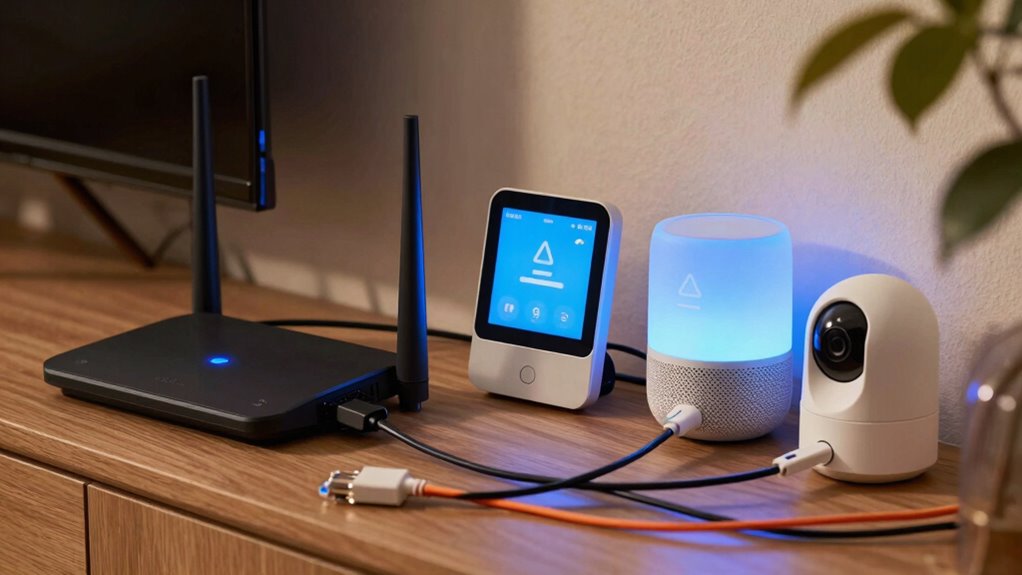
If you’ve noticed your smart devices randomly stop working or disconnect frequently, the culprit is often a common Wi-Fi problem that many homeowners overlook. One of the most frequent issues is Wi-Fi interference, which can considerably disrupt your network’s stability. Wi-Fi interference happens when signals from other electronic devices or neighboring Wi-Fi networks overlap with yours, causing your smart devices to lose connection or function improperly. This interference can be caused by cordless phones, microwave ovens, baby monitors, or even neighboring Wi-Fi routers operating on the same frequency. Recognizing what’s causing interference is key to fixing your connectivity issues. Additionally, understanding Wi-Fi frequency bands can help you choose the best settings to avoid interference. Being aware of Wi-Fi interference sources can also help in diagnosing and preventing future connectivity problems, especially when you understand how these sources operate and affect your network.
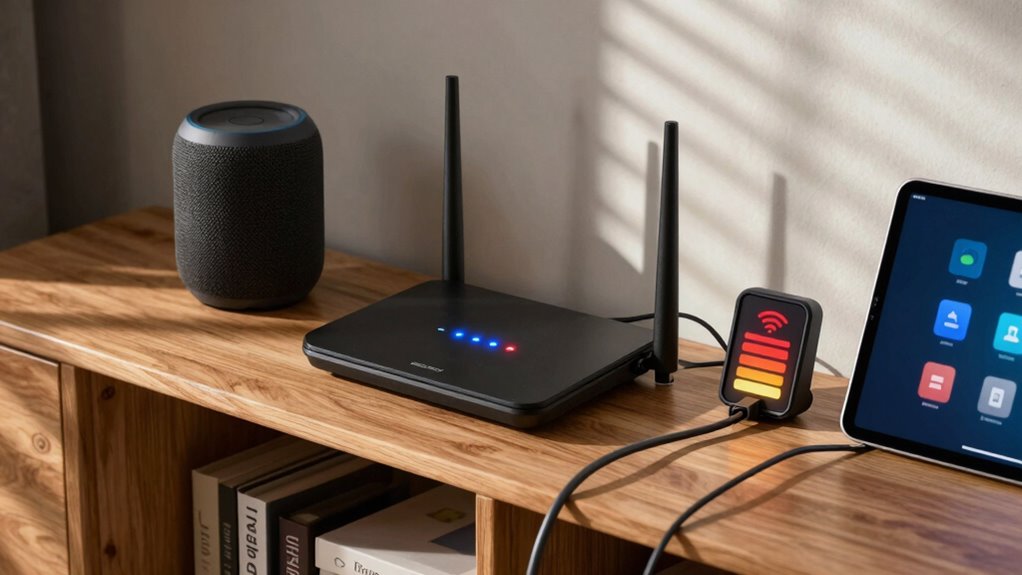
Another critical factor that directly impacts your Wi-Fi’s performance is router placement. Many people place their routers in inconvenient or suboptimal locations, such as inside cabinets, behind furniture, or near thick walls, which can weaken the signal. The placement of your router determines how well the Wi-Fi signal propagates throughout your home. If your router is tucked away in a corner or on the basement level, your smart devices might struggle to get a strong, stable connection. The importance of router placement cannot be overstated, as it significantly influences coverage and signal strength. Ideally, you want to position your router centrally in your home, elevated, and away from obstructions. This ensures a wider, more consistent coverage area, reducing dead spots and minimizing disconnections.
Wi-Fi interference and poor router placement often work together to cause frustration. For example, if your router is near a microwave or a cordless phone, the wireless signals can clash, creating interference. Simultaneously, if it’s located in a basement or behind thick walls, the signal might not reach your smart devices effectively. To troubleshoot, start by relocating your router to a more open, central position. Keep it away from other electronic devices that emit radio signals. Also, consider changing your Wi-Fi channel through your router settings, especially if you live in a densely populated area with many nearby networks. Switching to a less congested channel can reduce interference and improve device connectivity.
As an affiliate, we earn on qualifying purchases.
Frequently Asked Questions
How Can I Identify if Wi-Fi Is Causing Device Issues?
You can identify if Wi-Fi is causing device issues by performing interference troubleshooting and signal strength analysis. Check if your smart device’s connection drops or slows down when nearby electronics are active. Use your router’s app or a Wi-Fi analyzer tool to measure signal strength in different areas. If the signal weakens or interference spikes correlate with device issues, your Wi-Fi likely needs adjustment to improve stability.
Do All Smart Devices Have the Same Wi-Fi Requirements?
Did you know around 80% of smart device issues stem from Wi-Fi problems? Not all smart devices have the same Wi-Fi requirements, so device compatibility varies. Some need 2.4 GHz, others prefer 5 GHz, and signal interference can cause connectivity troubles. To guarantee smooth operation, check each device’s Wi-Fi specs and position your router to minimize interference, giving your smart devices the best chance to stay connected.
Can Changing Wi-Fi Channels Improve Device Stability?
Yes, changing Wi-Fi channels can improve device stability. Wi-Fi interference from nearby networks often causes smart device disconnections or slow performance. By performing channel optimization, you select a less congested channel, reducing interference. This simple step helps your smart devices maintain a stronger, more reliable connection, ensuring smooth operation. Regularly checking and adjusting your Wi-Fi channels can make a noticeable difference in device stability and overall network performance.
How Often Should I Reboot My Wi-Fi Router?
Think of your Wi-Fi router like a garden hose—sometimes, it needs a quick shake to keep the water flowing smoothly. Reboot your router weekly to refresh connections, improve Wi-Fi security, and prevent slowdowns. Proper router placement—central and elevated—also boosts signal strength. Regular reboots help maintain peak performance, just like pruning a plant keeps it healthy. Staying proactive ensures your smart devices stay connected and your network runs seamlessly.
Is It Better to Use a Mesh Network for Smart Devices?
Using a mesh network is better for your smart devices because it enhances mesh optimization, providing seamless coverage across your home. It reduces dead zones and guarantees stable connections, which is vital for device compatibility. With a mesh system, your devices stay connected even as you move around, minimizing disruptions. This setup makes managing multiple smart devices easier and more reliable, leading to a smoother smart home experience.
Conclusion
So, next time your smart devices falter, remember that your Wi-Fi is the silent conductor of their harmony. When it falters, chaos ensues. Don’t let weak signals be the villain in your smart home story. Strengthen your connection, and you’ll find your devices dance in perfect sync once more. After all, a stable Wi-Fi isn’t just a convenience—it’s the heartbeat of your connected life, keeping everything in tune and in time.