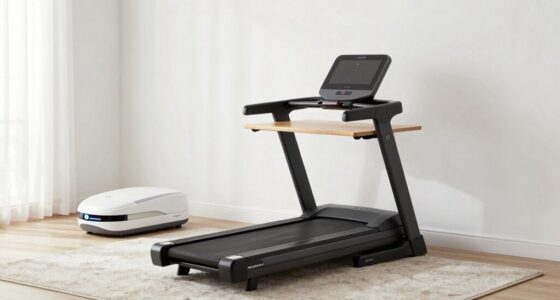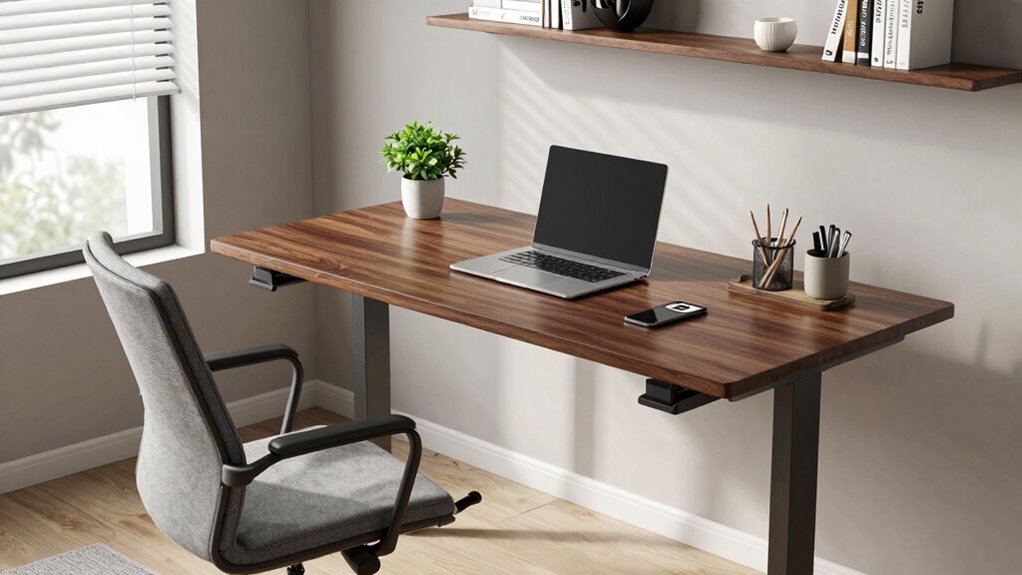

Standing desks still matter, but your setup is even more critical. Instead of just switching to standing, you need to arrange your workspace properly to avoid discomfort and long-term health issues. Make sure your monitor is at eye level, your keyboard and mouse are positioned to keep your elbows close to your sides at 90°, and use support accessories like anti-fatigue mats or footrests. Getting these details right can considerably boost your comfort and productivity; learn more to optimize your workspace further.

Get decor and gifts delivered free — and shop member deals
- Fast, free delivery on millions of items
- Access to Prime Big Deal Days deals on October 6–7
- Prime Video, Amazon Music and more included
Key Takeaways
- Proper ergonomic setup ensures the benefits of standing desks by preventing strain and promoting good posture.
- Adjust monitor height and placement to eye level, reducing neck and eye strain.
- Position keyboards and mice to keep elbows at 90° and wrists straight for comfort and injury prevention.
- Use supportive footwear or anti-fatigue mats to reduce discomfort during prolonged standing.
- Overall workspace ergonomic optimization enhances comfort, productivity, and long-term health outcomes.
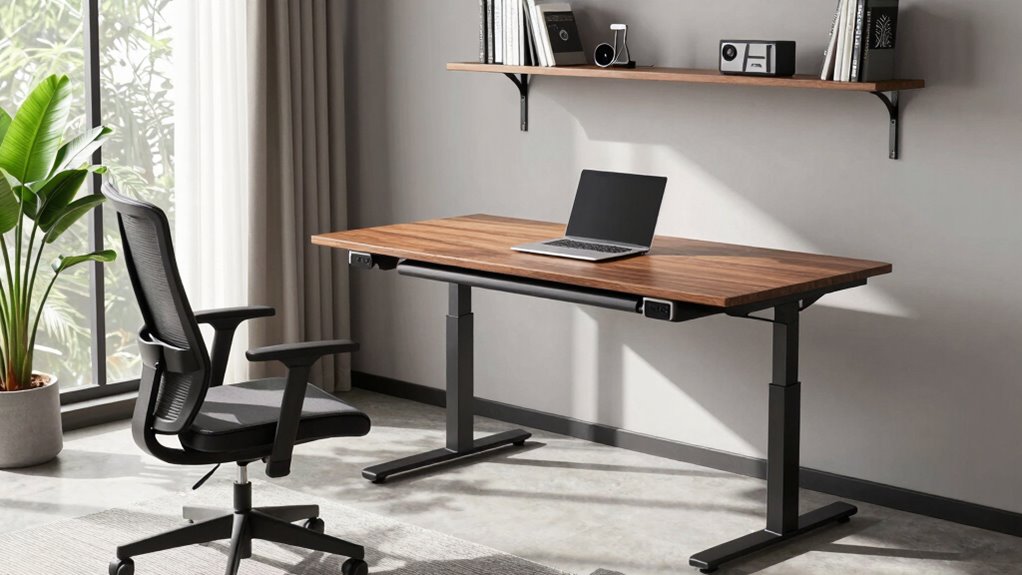
Have you ever wondered if standing desks are still worth it? The answer is yes, but only if you set them up correctly. Simply switching from sitting to standing isn’t enough. The key lies in how you arrange your workspace and the accessories you use. That’s where ergonomic accessories come into play, helping you optimize your standing desk for comfort and health. Without them, you risk new problems, like neck strain or lower back pain, which defeats the purpose of adopting a more active work style. Proper setup isn’t just about height; it’s about creating an environment that encourages good posture correction and minimizes strain. Proper setup is essential for avoiding discomfort and ensuring you reap the full benefits of a standing desk. When you’re at your standing desk, your monitor should be at eye level, so you aren’t tilting your head forward or backward. Adjustable monitor stands or arms are excellent ergonomic accessories that make this easy to achieve. Your keyboard and mouse should be positioned so your elbows stay close to your sides, at about a 90-degree angle, with your wrists straight. Using ergonomic accessories like cushioned wrist supports or keyboard trays can help maintain this alignment and reduce fatigue. These small adjustments make a big difference in preventing repetitive strain injuries and keeping you comfortable throughout the day. Ensuring your workspace ergonomically optimized can further enhance your comfort and productivity. Incorporating ergonomic principles into your setup also helps sustain good posture and prevent long-term discomfort. Paying attention to proper ergonomic design can make a substantial difference in your overall well-being. Additionally, understanding the importance of ergonomic accessories can guide you in selecting the right tools to support your posture. Your footwear also plays an essential role. Standing for long periods on hard floors can lead to discomfort and even joint issues. Investing in supportive shoes or anti-fatigue mats makes a noticeable difference in how your body feels after hours at your standing desk. Additionally, incorporating a footrest allows you to shift your weight periodically, which promotes better circulation and relieves pressure on your lower back and legs. These setup details may seem minor, but they’re indispensable for effective posture correction and sustaining energy levels.
adjustable monitor stand for desk
As an affiliate, we earn on qualifying purchases.
As an affiliate, we earn on qualifying purchases.
Frequently Asked Questions
How Long Should I Stand When Using a Standing Desk Daily?
You should aim to stand for about 15 to 30 minutes every hour when using a standing desk. During this time, focus on posture correction—keep your shoulders back and distribute weight evenly. Also, pay attention to footwear choices; wear comfortable, supportive shoes to prevent fatigue. Alternating between sitting and standing helps reduce strain, so listen to your body and take regular breaks to stay comfortable and healthy throughout the day.
What Are Common Mistakes to Avoid When Setting up a Standing Desk?
You’ll regret setting up your standing desk like a pile of rubble! Avoid common mistakes by not neglecting your ergonomic chair and improper desk height. Make sure your monitor is at eye level and your elbows form a 90-degree angle. Keep your feet flat and distribute weight evenly. Don’t forget to adjust your desk if needed—proper setup prevents strain and helps you stay comfortable and productive all day long.
Can Standing Desks Help Reduce Back Pain Effectively?
Standing desks can help reduce back pain if you maintain an ergonomic posture. Keep your monitor at eye level, shoulders relaxed, and elbows close to your sides. Use desk accessories like anti-fatigue mats and footrests to support proper alignment. Regularly switch between standing and sitting, and avoid slouching. When set up correctly, your standing desk promotes better spinal health and minimizes discomfort.
How Do I Transition Smoothly From Sitting to Standing?
To shift smoothly from sitting to standing, start by adjusting your desk height to maintain proper posture alignment. Begin with short intervals—perhaps 15 to 30 minutes—and gradually increase your standing time. Pay attention to your posture, keeping your shoulders relaxed and your monitor at eye level. Moving slowly and adjusting your desk height as needed helps prevent discomfort and guarantees a comfortable, ergonomic shift between sitting and standing.
Are There Specific Accessories That Improve Standing Desk Ergonomics?
Your standing desk setup can be transformed into a powerhouse of comfort with the right ergonomic accessories. Items like adjustable monitor arms, cushioned anti-fatigue mats, and keyboard trays make desk customization effortless. These accessories not only reduce strain but also boost your productivity, turning your workspace into a haven of ergonomic bliss. Investing in them guarantees your standing desk remains a game-changer, not a pain-inducing nightmare.
Conclusion
Remember, your standing desk is just the stage—it’s the setup that truly brings the performance to life. When you adjust your monitor, position your keyboard, and find your comfort zone, you’re painting a picture of productivity and well-being. Think of it as tuning an instrument; a little care turns your workspace into a harmonious melody. So, don’t just stand there—set yourself up right, and watch how your day transforms from chaos into a symphony of focus.
Fall Picks
fall essentials
As an affiliate, we earn on qualifying purchases.