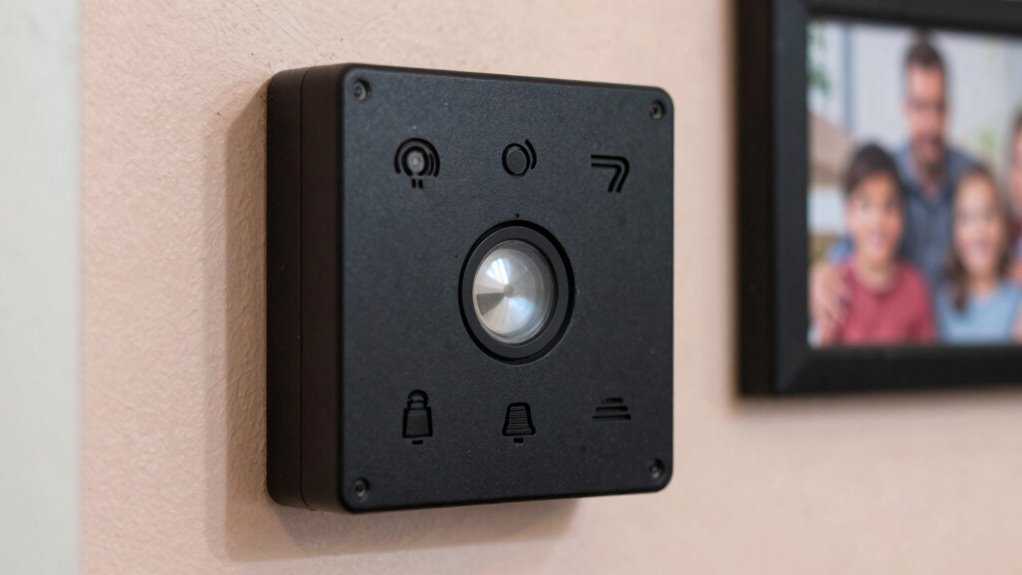

Many families forget to regularly test their emergency alert setup, risking failure when it’s most needed. You should check that alert systems work through scheduled tests, confirm communication channels like cell towers and radio signals are functioning, and guarantee backup power sources are reliable. Overlooking these steps can lead to undetected issues or outdated technology that might prevent alerts from reaching you and your loved ones. Keep learning how to keep your system ready and effective in a crisis.

Get decor and gifts delivered free — and shop member deals
- Fast, free delivery on millions of items
- Access to Prime Big Deal Days deals on October 6–7
- Prime Video, Amazon Music and more included
Key Takeaways
- Many families overlook regularly testing their emergency alert devices to ensure they function during real emergencies.
- Power backup systems are often neglected, risking system failure during outages.
- Communication protocols, like cell towers and internet connections, are frequently unverified, risking message delivery issues.
- Routine maintenance, such as replacing batteries and checking equipment, is often forgotten.
- Families may ignore outdated technology, which can hinder reliable emergency communication.
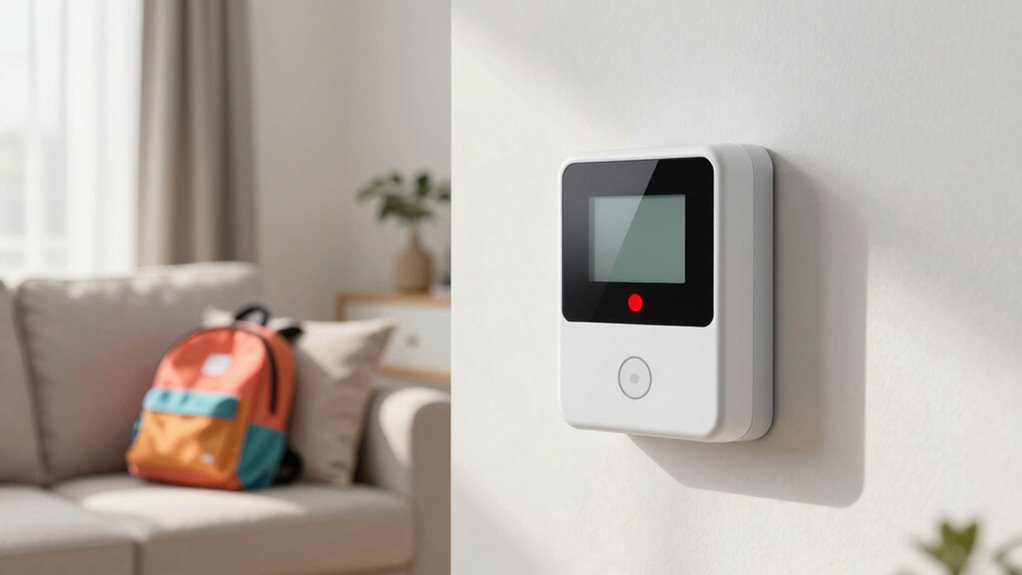
Setting up emergency alerts is a crucial step in guaranteeing you receive timely warnings during disasters or urgent situations. While most families focus on installing alert systems and signing up for notifications, many overlook testing the entire setup regularly. Testing your emergency alert setup isn’t just a one-time task; it’s an essential routine that confirms everything works smoothly when you need it most. One often neglected aspect is verifying the communication protocols your alert system relies on. These protocols—whether through cell towers, internet connections, or radio frequencies—must be functioning correctly. If they fail, the alerts might not reach you at all. Regular tests help identify issues with these channels, ensuring that messages are delivered promptly during an actual emergency. Additionally, testing the communication protocols can help detect outdated technology that may no longer be reliable or compatible with current systems. Recognizing technological obsolescence is vital for maintaining an effective alert system. Another critical element that families forget to check is the power backup of their alert systems. Many devices depend on electricity or batteries, and if the power goes out, the system could become useless. You need to guarantee that your alert equipment has a reliable power backup, such as a fully charged battery or an alternative power source. Conducting regular system checks can help ensure all components are functioning correctly over time. Performing these checks periodically can also prevent unexpected system failures, especially during critical moments. Testing this backup periodically confirms that your system remains operational even when the grid fails. Incorporating routine maintenance into your emergency preparedness can help ensure all components are functioning correctly over time. It’s easy to assume that your batteries will last forever, but batteries degrade over time, and backup systems can malfunction. Incorporate routine checks into your emergency preparedness to replace batteries and test backup power supplies, so you’re never caught off guard.
As an affiliate, we earn on qualifying purchases.
Frequently Asked Questions
How Often Should I Test My Emergency Alert System?
You should test your emergency alert system at least once every six months to guarantee it works properly. Regular testing helps you confirm your emergency protocol is effective and that all devices activate correctly. Incorporate safety drills during these tests to familiarize everyone with emergency procedures. This routine keeps your family prepared and reduces panic during real emergencies, ensuring your alert system remains reliable when you need it most.
Can I Customize Emergency Alerts for Different Family Members?
Yes, you can customize emergency alerts for different family members through personalized notifications and family-specific alerts. Many alert systems allow you to set preferences based on age, location, or special needs, ensuring each person gets the most relevant information. You simply need to access your alert app or system settings, select the family members, and customize their alert preferences accordingly. This way, everyone stays informed and safe during emergencies.
What Should I Do if Alerts Are Not Working Properly?
If alerts aren’t acting accurately, act promptly to address the issue. Conduct an emergency drill to test the system’s responsiveness, ensuring alerts activate correctly. Check for alert malfunction by verifying device settings and network connection. If problems persist, contact your service provider or emergency management office for support. Regular testing and troubleshooting help keep your family safe, making sure alerts alert you when it truly matters.
Are There Any Legal Requirements for Testing Emergency Alerts?
Yes, there are legal requirements for testing emergency alerts, primarily to guarantee legal compliance with federal and state notification protocols. You’re responsible for regularly testing your alert system according to local regulations and guidelines, which often include scheduled drills and testing procedures. Failing to comply can lead to penalties or ineffective alerting during emergencies. Always stay updated on your jurisdiction’s notification protocols to guarantee your system functions correctly when needed most.
How Do I Update Contact Information in the Alert System?
To update your contact information in the alert system, start by accessing your account through the official website or mobile app. Look for the section labeled “Contact update” or “Alert customization,” where you can add or modify phone numbers, email addresses, and other contact details. Make certain to save your changes. Regularly reviewing and updating your contact info ensures you receive timely alerts during emergencies.
Conclusion
Don’t let your family be the one caught totally unprepared when disaster strikes. Forgetting to test your emergency alert setup isn’t just a small mistake—it’s like ignoring a fire alarm in a burning building. Imagine the chaos, the panic, the helplessness. Take five minutes now to test your system; it’s the difference between safety and utter disaster. Because, in an emergency, you don’t want your family’s safety to be a gamble—test it today, or risk everything.
Halloween Picks
halloween
As an affiliate, we earn on qualifying purchases.