
To program a “sunset” scene on your smart bulbs for dinner parties, start by selecting a warm, amber hue that mimics evening light. Use your app to set the brightness to gradually dim over time, creating a relaxing sunset effect. You can also schedule this scene to activate automatically as the evening begins. Voice commands make switching between scenes effortless, so you can focus on your guests. Continue to explore how these features enhance your ambiance.
Key Takeaways
- Create a “Sunset” scene with warm amber hues to set a cozy, inviting atmosphere for dinner parties.
- Use pre-set scenes to quickly activate a natural, sunset-like lighting transition during your event.
- Program the scene to gradually dim lights, mimicking sunset fading for a relaxing ambiance.
- Control the scene effortlessly with voice commands via Alexa or Google Assistant for seamless transitions.
- Schedule the “Sunset” scene to activate automatically at a specific time, enhancing your hosting experience.

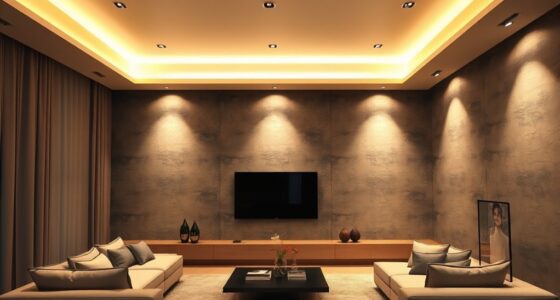
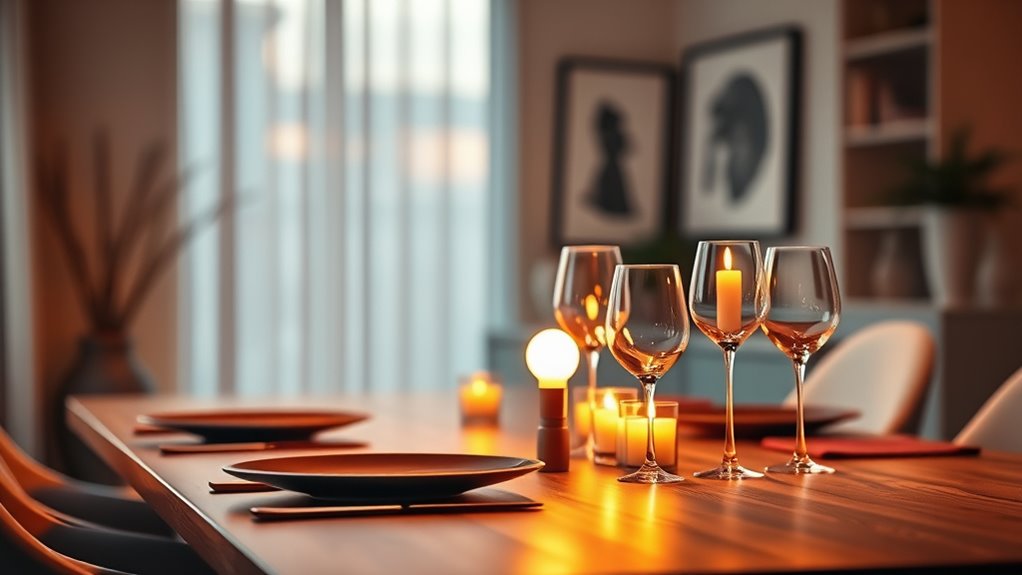
Smart bulb scenes allow you to effortlessly customize your lighting to match any mood or activity. When you’re planning a dinner party, creating the perfect atmosphere becomes easier than ever with programmable lighting scenes. Imagine setting a “Sunset” scene that bathes your dining area in warm, amber hues, mimicking the fading light of evening. With smart bulbs, you can activate this scene with just your voice control, making it simple to switch between different settings without interrupting your flow or having to fumble with switches. This hands-free convenience guarantees your focus stays on entertaining, not fiddling with gadgets.
Create the perfect dinner ambiance with programmable smart bulb scenes and voice control for effortless mood setting.
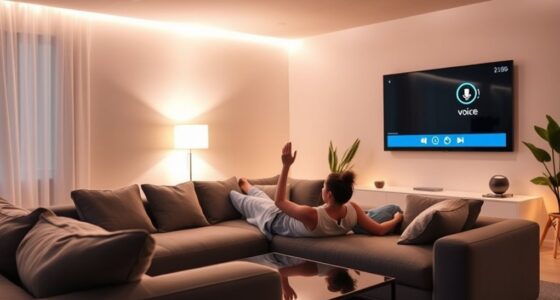
Using voice control, you can activate your pre-set scenes instantly, creating a seamless transition from day to night. Just say, “Alexa, set the sunset scene,” or “Hey Google, dim the lights to sunset,” and your smart bulbs will adjust accordingly. This quick access allows you to craft the perfect ambiance effortlessly, whether you’re inviting friends over or winding down after dinner. Plus, many smart lighting systems allow you to customize scenes to suit your preferences, fine-tuning brightness and color temperature to match the mood you’re aiming for.
Beyond aesthetics, smart bulb scenes contribute to energy savings. By programming your lights to dim gradually or turn off automatically after a certain time, you prevent unnecessary energy consumption. During your sunset scene, the bulbs aren’t blasting at full brightness but instead emit a soft glow that’s comfortable and inviting. This not only enhances the atmosphere but also helps reduce your electricity bill over time. Since smart bulbs are more efficient than traditional incandescent bulbs, combining scene settings with energy-conscious habits maximizes savings without sacrificing style.
Additionally, these scenes can be scheduled to activate automatically at specific times, guaranteeing your home always looks welcoming and well-lit, even if you’re not around. For example, your sunset scene can turn on at dusk, creating a cozy environment for your guests and giving your home a lived-in feel. This automation further amplifies your control over energy use by making sure lights aren’t left on longer than necessary. Moreover, integrating automation with robotics in logistics showcases how technological advancements are transforming traditional operations.
In the end, programming “Sunsets” for dinner parties through smart bulb scenes offers more than just ambiance. It provides convenience, energy efficiency, and a personalized touch that elevates your hosting game. With voice control, you can effortlessly switch settings, and with thoughtful programming, you’ll save energy while impressing your guests with perfectly curated lighting every time.
Frequently Asked Questions
Can Smart Bulb Scenes Be Synchronized With Music or Sound?
Yes, smart bulb scenes can be synchronized with music or sound. You can use apps or smart home platforms that offer music synchronization or sound reactive lighting features. These let you create dynamic lighting effects that change with the beat, making your environment more lively. Just connect your smart bulbs to compatible apps, enable sound-reactive mode, and enjoy a seamless, immersive experience that reacts to your favorite tunes or ambient sounds.
How Long Do Smart Bulb Scene Settings Typically Last?
Imagine your perfect mood lighting — now, how long it lasts depends on your scene customization. Typically, scene duration can be set from a few seconds to several hours, giving you control over ambiance. Many smart bulbs let you program these settings to automatically revert or change, so you’re not stuck with one scene all night. Your scene duration is flexible, tailored to fit your mood or event.
Are Smart Bulb Scenes Compatible With All Smart Home Platforms?
You might wonder if smart bulb scenes work across all platforms. The truth is, platform compatibility varies—some support scene customization fully, while others have limited features. Check if your smart home system, like Alexa, Google, or Apple, integrates with your bulbs. Most major platforms do support scene programming, but always verify compatibility beforehand to guarantee you can create and control your desired sunset scenes seamlessly.
Can Multiple Rooms Have Different Sunset Scenes Simultaneously?
Think of your home like a symphony—each room a different instrument. Yes, multiple rooms can have different sunset scenes simultaneously, thanks to multi-room synchronization. You can customize each room’s scene individually, creating a unique ambiance in every space. For example, you might set a warm sunset in the dining area while the living room glows with cooler tones. This flexibility enhances your smart home’s ambiance and personalizes every gathering.
What Is the Maximum Number of Scenes I Can Program?
You’re curious about the maximum number of scenes you can program, which depends on your smart bulb system’s capabilities. Most systems allow extensive scene customization and sharing, often supporting dozens or even hundreds of scenes across multiple rooms. Check your device’s limits, but generally, you can create a wide variety of customized scenes for different occasions, sharing them easily with other users to enhance your smart home experience.
Conclusion
With a simple tap, you can transform your space into a sunset sky, casting warm hues that invite relaxation and connection. These smart bulb scenes turn ordinary evenings into memorable moments, painting your dinner party with the colors of twilight. As you program your “sunset” scene, remember—you’re not just controlling lights, you’re crafting an atmosphere that feels like a gentle embrace from dusk itself. Let your home glow with the magic of a setting sun, anytime you desire.