
Sometimes, fingerprint locks don’t recognize certain fingers due to skin issues, injuries, or sensor problems. Conditions like dryness, cuts, scars, or damaged skin can interfere with pattern scans. Worn or damaged ridges also make it harder for the system to match fingerprints accurately. Additionally, dirt or moisture on your skin or the sensor can cause failures. If you want to understand how these factors impact your lock’s performance, there’s more to learn below.

Get decor and gifts delivered free — and shop member deals
- Fast, free delivery on millions of items
- Access to Prime Big Deal Days deals on October 6–7
- Prime Video, Amazon Music and more included
Key Takeaways
- Skin conditions, cuts, scars, or dryness can alter fingerprint patterns, causing recognition failures.
- Hardware issues like dirty or damaged sensors impede accurate fingerprint scanning.
- Worn or damaged ridges from aging or injury reduce the system’s ability to recognize certain fingers.
- Variations in fingerprint quality or skin texture can lead to inconsistent or failed authentication.
- Biometric systems are not infallible; environmental factors and sensor limitations contribute to some fingers never working.
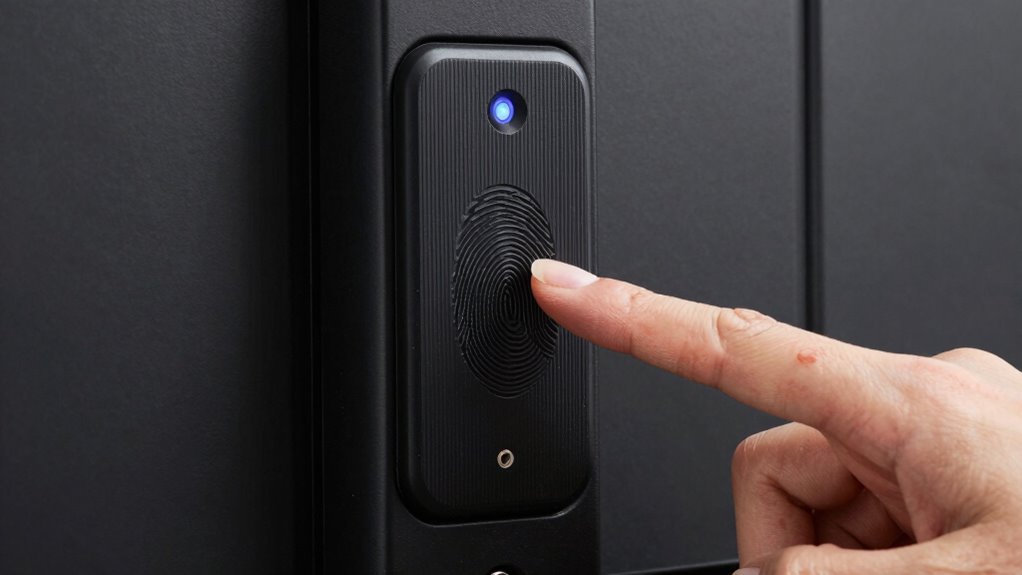
Fingerprint locks are a modern security solution that grants access based on unique fingerprint patterns. They’ve become popular because they eliminate the need for keys or passwords, offering quick and convenient entry. However, despite their advanced technology, they’re not foolproof. One common frustration users face is the phenomenon where some fingers just don’t work reliably. This issue often puzzles people, leading to questions about biometric accuracy and security concerns.
Biometric accuracy is a critical factor in the reliability of fingerprint locks. These systems rely on sensors to scan and match fingerprint patterns against stored data. But fingerprints aren’t always perfect. Skin conditions, cuts, scars, or dryness can alter the fingerprint’s appearance, making it harder for the sensor to recognize the pattern. If your finger has a cut or is more textured than usual, the lock might fail to identify it, even if it’s the same finger you used before. Additionally, aging skin or certain medical conditions can change fingerprint details over time, impacting biometric accuracy. That’s why some fingers, especially those with worn or damaged ridges, often struggle to work with fingerprint locks.
Security concerns also come into play when discussing why some fingers never work. Manufacturers design these systems to prevent unauthorized access, but this can sometimes cause false rejections. If your fingerprint isn’t recognized, you might think the system is insecure, but in reality, it’s trying to protect you from potential threats. Conversely, if a lock is too lenient or has weak biometric security, it could be vulnerable to spoofing or fake fingerprints. That’s why many high-security fingerprint locks incorporate multi-factor authentication or advanced sensors that analyze additional fingerprint features. These measures aim to balance biometric accuracy with security concerns, but they aren’t foolproof either.
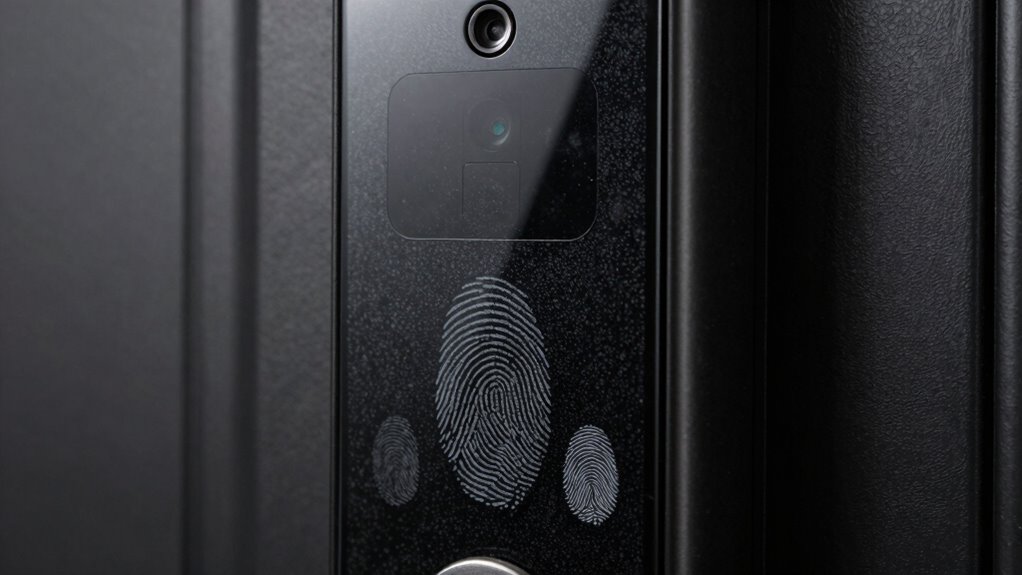
You could also encounter issues if the fingerprint scanner isn’t clean or if it’s damaged. Dirt, oil, or moisture on your finger or the sensor can interfere with the reading, leading to failures. Sometimes, hardware malfunctions can cause some fingers to never work properly, regardless of biometric data quality. Moreover, sensor technology continues to evolve, but current limitations still pose challenges for consistent recognition.
Dirty or damaged sensors and fingers can cause fingerprint recognition failures.
In essence, the reason some fingers don’t work with fingerprint locks boils down to a combination of biometric accuracy challenges and security concerns. While these systems are designed to be secure and convenient, they still depend heavily on the quality of fingerprint input and sensor health. Understanding these limitations can help you troubleshoot issues and make informed decisions about using fingerprint locks as your primary security method.
fingerprint lock sensor cleaning kit
As an affiliate, we earn on qualifying purchases.
As an affiliate, we earn on qualifying purchases.
Frequently Asked Questions
Can Fingerprint Locks Be Hacked Remotely?
Yes, fingerprint locks can be hacked remotely through hacking vulnerabilities in biometric security systems. Cybercriminals may exploit software flaws or use advanced techniques like spoofing to bypass fingerprint authentication. To safeguard yourself, verify your lock’s firmware is up-to-date and choose models with strong encryption. While remote hacking isn’t common, staying vigilant and practicing good cybersecurity habits minimizes risks and keeps your biometric security stronger.
Do Fingerprint Locks Work in Extreme Weather Conditions?
Fingerprint locks generally struggle in extreme weather conditions due to reduced biometric accuracy and weather resilience. Cold temperatures can cause your skin to tighten, making fingerprint recognition difficult, while moisture or dirt from rain or snow can interfere with the sensor. You might find it less reliable during harsh weather, so consider supplementary security measures or wait until conditions enhance to ensure proper access and security.
Are There Age Restrictions for Using Fingerprint Locks?
Age restrictions for using fingerprint locks typically depend on the device’s design and manufacturer guidelines. You need to meet the minimum age requirement to guarantee user eligibility and proper biometric recognition. Usually, children under a certain age, like 12 or 16, may not be suitable users due to developing fingerprints or safety concerns. Always check the product’s specifications to confirm age restrictions and ensure safe, proper use.
How Long Does a Fingerprint Scan Take to Authenticate?
A fingerprint scan typically takes just a second or two to authenticate, thanks to advanced sensor technology. Your device’s biometric accuracy guarantees quick, reliable results, often completing the process in under three seconds. Modern fingerprint sensors are designed to quickly analyze the fingerprint’s unique patterns, providing seamless access. So, you won’t experience long delays—just a fast, secure way to open your device or door with minimal fuss.
Can Multiple Fingerprints Be Registered for One Lock?
Yes, you can register multiple fingerprints on one lock. This feature enhances convenience, allowing family members or trusted individuals access without compromising biometric privacy. Keep in mind, fingerprint accuracy can vary due to factors like skin condition or scanner quality, which might affect reliability. Adding several fingerprints ensures better access, but always make certain your lock’s biometric system is secure and updates are installed to maintain high fingerprint recognition performance.
Conclusion
So, next time your fingerprint lock won’t recognize your finger, remember, up to 20% of people experience issues due to dry or damaged skin. It’s a common hiccup, not a flaw in your device. Sometimes, your fingerprint just doesn’t cooperate, no matter how many times you try. Understanding this helps you stay patient and explore alternative methods. After all, your unique fingerprints can be tricky, but they’re still one of the most secure ways to protect your stuff.
Fall Picks
fall essentials
As an affiliate, we earn on qualifying purchases.