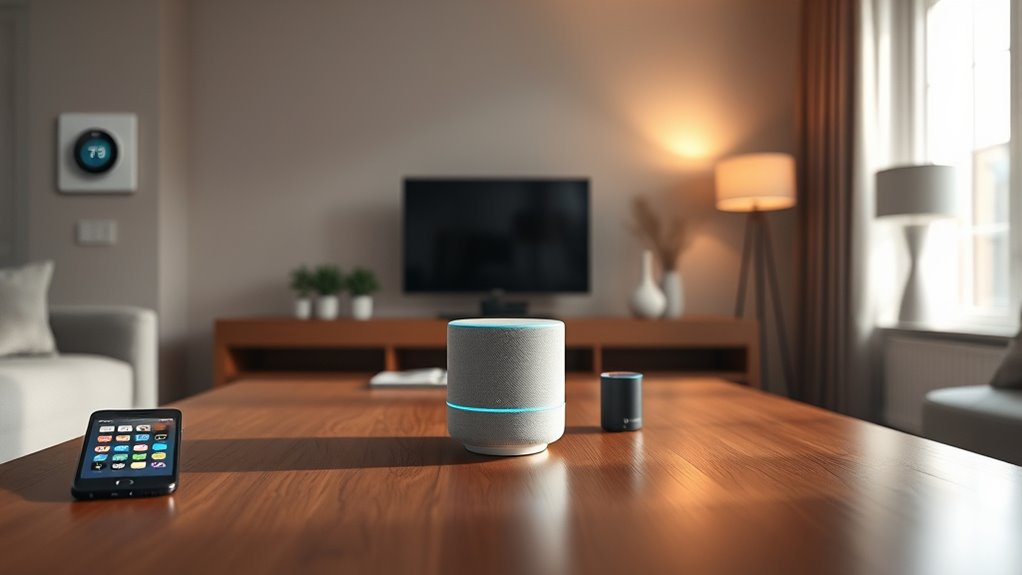

To cross ecosystems like HomeKit, Google, and Alexa smoothly, start by choosing devices with broad compatibility or using bridging tools like IFTTT or dedicated hubs. Focus on apps and voice commands that work across platforms to streamline control. Keep firmware and app updates in check to avoid hiccups. Prioritizing universal control options helps build a cohesive smart home. Curious about ensuring a tear-free experience? Keep going to discover more helpful tips.

Get decor and gifts delivered free with Prime
- Fast, free delivery on millions of items
- Prime Video, Amazon Music and more included
- Member-only deals all year
Key Takeaways
- Use universal control apps like Google Home or Amazon Alexa for centralized management across ecosystems.
- Check device compatibility and support native integrations for seamless cross-platform operation.
- Consider bridging tools or hubs to connect devices that don’t natively support multiple ecosystems.
- Keep firmware and app updates current to ensure ongoing compatibility and access to new features.
- Prioritize devices with multi-ecosystem support to simplify control and create a cohesive smart home experience.
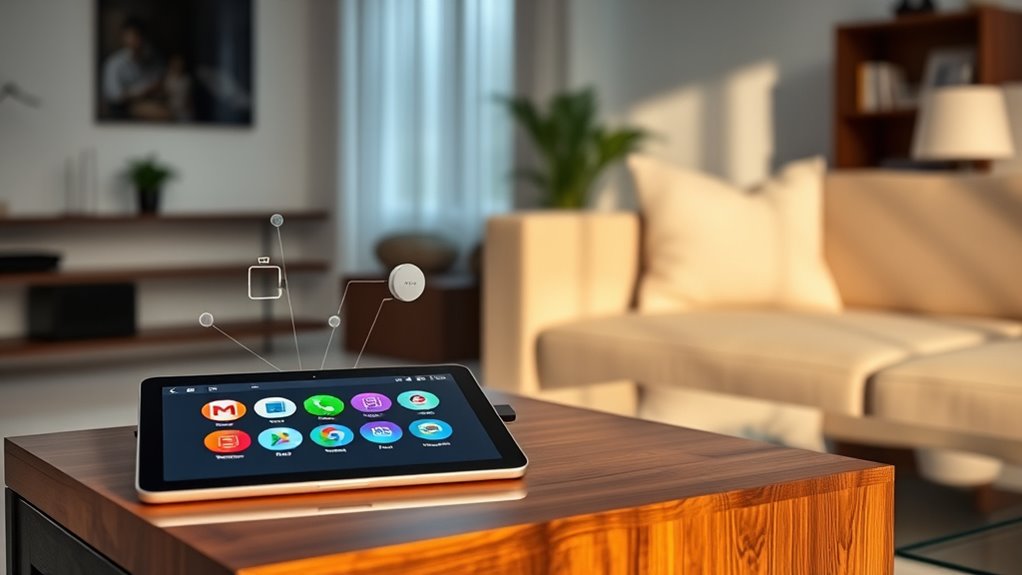
Traveling between ecosystems can seem formidable, but with the right knowledge and preparation, you can cross boundaries without tears. If you’re integrating smart devices into your home, understanding how platforms like HomeKit, Google Assistant, and Alexa work together is crucial. Device compatibility is the foundation of a seamless experience. Not all devices work equally well across different ecosystems, so you need to verify whether your gadgets support multiple platforms. Some brands offer native compatibility with all three, making integration smoother and reducing frustration. Others might require bridging tools or specific apps to ensure they communicate properly. Checking device specifications beforehand helps prevent compatibility hiccups and saves you time and effort later on.
Once you’ve confirmed device compatibility, focus on optimizing your user experience. Each ecosystem offers unique features and app interfaces, which influence how intuitively you can control your smart home. For example, HomeKit emphasizes privacy and security, providing a streamlined, Apple-centric experience. Google Assistant tends to excel in broader device support and more flexible voice commands, while Alexa offers a vast skill library and robust smart home integrations. Choosing the right ecosystem for your lifestyle depends on your preferences and existing devices. However, if you aim for cross-ecosystem functionality, think about using platforms or apps that act as bridges, such as IFTTT or third-party hubs. These tools can unify control and automate routines across different assistants, enhancing your overall user experience.
It’s also important to weigh app interoperability. Some devices are primarily controlled through their native apps, which might not integrate well with other ecosystems. To avoid confusion, seek out devices with multiple control options or those compatible with universal apps like Google Home or Amazon Alexa. This way, you can manage all your devices from a single interface, minimizing the learning curve and making daily routines more efficient. Additionally, voice command consistency is crucial. Learning the specific commands for each platform ensures smooth operation. For example, what works with Alexa might differ slightly from Google Assistant or Siri. Familiarize yourself with these nuances to avoid frustration.
Moreover, understanding regulatory requirements and updates is essential, as software firmware and app updates can impact device compatibility and user experience. Regularly check for firmware updates and new app versions to maintain smooth operation. Being proactive helps you stay ahead of potential issues when ecosystems evolve or introduce new features. By understanding device compatibility, leveraging bridging tools, and prioritizing a straightforward user experience, you can confidently navigate multiple ecosystems. Cross-compatibility isn’t just about making devices work; it’s about creating a cohesive, efficient smart home that adapts to your needs without hassle or tears.
Products Worth Considering

Google Nest Doorbell (Wired, 3rd Gen, 2025) – Snow

Levoit Vital 100S-P Air Purifier with Washable Pre-Filter

Dyson Cyclone V10 Origin Cordless Vacuum
As an affiliate, we earn on qualifying purchases.
Frequently Asked Questions
Can I Control Homekit Devices With Google Assistant or Alexa?
You can control your smart devices across different ecosystems, but device compatibility and setup complexity vary. For example, some smart devices work seamlessly with multiple platforms, while others require additional hubs or bridges. You might need to use third-party apps or smart home hubs to bridge the gap. Be prepared for some setup complexity, especially if you want smooth integration between different voice assistants and ecosystems.
Is Voice Command Interoperability Possible Across These Ecosystems?
Imagine your smart home as a symphony, each device a different instrument. Achieving harmony depends on embracing universal smart home standards, but voice command interoperability remains limited without bridges. You can connect ecosystems through third-party platforms, yet data privacy risks increase. To truly orchestrate seamless control, prioritize secure, open standards that safeguard your privacy while enabling smooth, cross-ecosystem voice commands.
What Are the Security Implications of Crossing Ecosystems?
When crossing ecosystems, you should consider privacy concerns and data sharing. As you connect different platforms, your data may be exposed to new risks, potentially compromising your privacy. You might unintentionally share more information than intended, making it easier for third parties to access sensitive details. Be aware of each system’s security measures, and always review settings to minimize vulnerabilities and protect your personal data across diverse ecosystems.
Are There Any Subscription Fees for Cross-Platform Integration Tools?
Imagine you’re trying to connect your smart devices across platforms, and you wonder if there are subscription costs involved. Usually, cross-platform integration tools have minimal or no subscription fees, but some advanced features might require a paid plan. For example, a third-party app might charge for enhanced platform compatibility or additional device support. It’s best to verify each tool’s specific subscription costs to guarantee it fits your budget and needs.
How Reliable Are Third-Party Solutions for Ecosystem Bridging?
You might wonder how reliable third-party solutions are for ecosystem bridging. These tools generally offer good device compatibility, but their reliability can vary depending on the platform and updates. They often improve your user experience by enabling seamless device control across ecosystems, though occasional hiccups may occur. It’s wise to check reviews and support options before choosing one, ensuring you get a stable, efficient connection that suits your needs.
Conclusion
Managing different smart home ecosystems might seem daunting, but with the right approach, you can make it seamless. Just remember, a chain is only as strong as its weakest link—so prioritize compatibility and patience. By choosing devices that play nicely together, you’ll enjoy the convenience of a truly integrated home. Don’t put all your eggs in one basket; instead, embrace the diversity and make your smart home work for you.