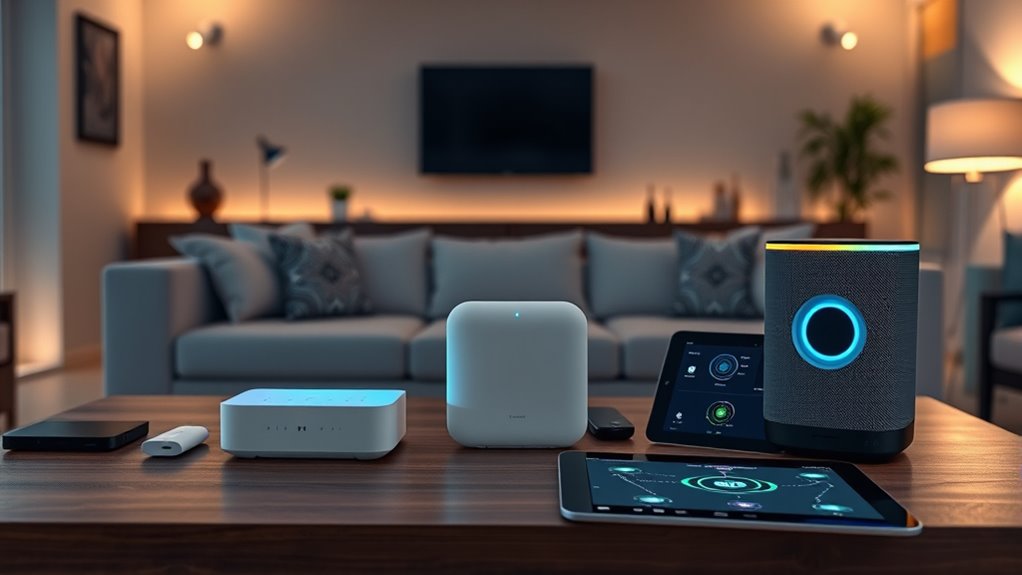

When choosing a home automation protocol, consider your device options, security needs, and existing setup. Zigbee and Z-Wave work on dedicated networks, offering strong security and broad device support, ideal if you want reliability. Wi-Fi is compatible with almost all devices and leverages your home network but may need careful security management. If you’d like to explore how each protocol fits your home, there’s more to discover below.

Get decor and gifts delivered free — and shop member deals
- Fast, free delivery on millions of items
- Access to Prime Big Deal Days deals on October 6–7
- Prime Video, Amazon Music and more included
Key Takeaways
- Consider device compatibility and ecosystem integration when choosing between Zigbee, Z-Wave, and Wi-Fi.
- Assess security features like AES-128, encryption protocols, and network security to protect your smart home.
- Evaluate network reliability and congestion: dedicated networks for Zigbee/Z-Wave or existing Wi-Fi infrastructure.
- Prioritize protocols with broad device support and strong security standards for future-proof setups.
- Choose Wi-Fi for simplicity and universal device compatibility, but ensure proper security configurations.

Have you ever wondered how your smart home devices communicate seamlessly with each other? It’s all thanks to the underlying protocols that enable different gadgets to connect, share data, and work harmoniously. When choosing a home automation protocol, you need to consider factors like device compatibility and security standards. These aspects determine whether your devices will work smoothly together and stay protected from potential threats.
Device compatibility is essential because not all protocols support every device type or brand. For example, Zigbee is widely supported by many manufacturers, making it easier to find compatible sensors, lights, and switches. Z-Wave also boasts a broad ecosystem, especially in home automation, with many devices designed specifically for it. Wi-Fi offers the most universal compatibility since nearly every modern device connects to Wi-Fi networks. However, compatibility isn’t just about device types; it’s also about ecosystem integration. Some protocols like Zigbee and Z-Wave operate on dedicated networks, which can sometimes limit compatibility with certain devices or hubs. Wi-Fi, on the other hand, relies on your existing home network, making it more straightforward but potentially more congested if you have many devices.
Security standards play a critical role in safeguarding your smart home. Protocols like Zigbee and Z-Wave implement robust security measures, such as encryption and secure pairing, to prevent unauthorized access. Zigbee’s security features include AES-128 encryption, ensuring data transmitted between devices remains confidential. Z-Wave also emphasizes security, with encryption protocols designed to protect your home network from hacking attempts. Wi-Fi, while convenient, can be more vulnerable if not properly secured. Without strong passwords and updated firmware, Wi-Fi-connected devices might be at risk of attacks. Luckily, modern Wi-Fi devices often include advanced security features like WPA3 encryption, making them safer if configured correctly. Additionally, understanding cookie categories and user consent management is vital for maintaining privacy and security in your smart home setup.
Ultimately, your choice depends on your priorities. If you prefer a network with broad device support and strong security standards, Zigbee and Z-Wave are excellent options. They’re designed specifically for home automation, providing reliable connections and security. If you want simplicity and already have a robust Wi-Fi network, connecting devices via Wi-Fi might be more convenient, but you should pay close attention to security settings. Whichever protocol you select, make sure that your devices maintain compatibility with your existing ecosystem and adhere to the latest security standards. That way, your smart home remains both functional and safe, providing you peace of mind as you enjoy the convenience of automation.
Frequently Asked Questions
Can These Protocols Work Together in the Same Smart Home System?
You can combine these protocols in your smart home, but interoperability challenges might arise. Zigbee, Z-Wave, and Wi-Fi have different protocol compatibility, which can make seamless communication tricky. To avoid issues, consider using a smart hub or bridge that supports multiple protocols. This way, your devices work together smoothly, giving you integrated control and reducing compatibility headaches. Always check device specifications for compatibility before setting up.
Which Protocol Offers the Longest Battery Life for Devices?
Zigbee generally offers the longest battery life for devices due to its superior power efficiency and low power consumption. You’ll notice that Zigbee devices, like sensors and light bulbs, last longer between charges or battery replacements compared to Z‑Wave or Wi‑Fi devices. If you prioritize battery longevity, Zigbee is your best choice, as it’s designed to optimize power efficiency, making your smart home devices more reliable and energy-efficient over time.
Are There Security Differences Between Zigbee, Z-Wave, and Wi-Fi?
Think of your smart home as a guarded castle. Zigbee and Z-Wave use strong encryption standards and device authentication, like trusted sentinels, making them quite secure. Wi-Fi, while widespread, often relies on your network’s security, which can be less consistent. So, if you want tighter security, Zigbee and Z-Wave are your best allies, offering better protection against intruders and unauthorized access.
How Do These Protocols Impact Overall Home Network Bandwidth?
These protocols impact your home network bandwidth by managing network congestion and bandwidth allocation differently. Wi-Fi uses more bandwidth, which can slow down your internet speed if many devices are connected. Zigbee and Z-Wave use less bandwidth, reducing network congestion and freeing up resources for other activities. Choosing a protocol that fits your device needs helps optimize overall network performance, ensuring smooth operation without sacrificing internet speed.
Can I Upgrade My Home Devices to a Different Protocol Easily?
Upgrading your home devices to a different protocol isn’t impossible but can feel like moving mountains. You’ll need to check device compatibility first, as not all gadgets support protocol migration easily. Some smart hubs facilitate this switch, but often, replacing incompatible devices is necessary. Carefully research your new protocol’s ecosystem to ensure smooth integration. Be prepared for a bit of technical effort, but it’s manageable with patience and planning.
Conclusion
Choosing between Zigbee, Z-Wave, and Wi-Fi depends on your home’s needs, but remember, your smart home is only as strong as its weakest link. Like a symphony, each protocol plays a crucial role—finding the perfect harmony ensures seamless automation. So, weigh your priorities, pick wisely, and watch your smart home come alive. After all, isn’t a connected home worth the effort? Your future self will thank you for making the right choice today.
Fall Picks
fall essentials
As an affiliate, we earn on qualifying purchases.