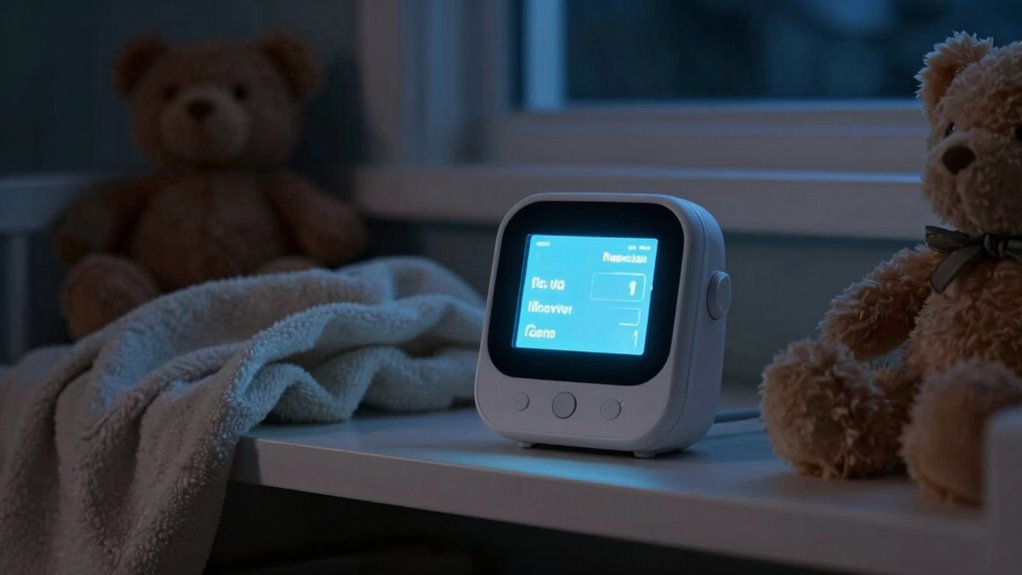
Without proper notification boundaries, every tiny noise from your baby can trigger anxiety, making you feel constantly on edge. Continuous alerts can disrupt your sleep, increase stress, and cause you to doubt your baby’s safety. Without adjustable settings, you’re likely to become overwhelmed by unnecessary notifications, which diminishes trust in your monitor. This setup can turn a helpful device into a source of frustration. If you want to find out how to regain peace of mind, keep exploring these solutions.
Key Takeaways
- Lack of notification boundaries causes constant alerts, increasing anxiety and making normal sounds indistinguishable from concerns.
- Non-adjustable monitors trigger unnecessary alerts, reducing trust and elevating stress during quiet moments.
- Excessive notifications lead to alarm fatigue, causing users to ignore alerts and worsening anxiety.
- Without customizable settings, users struggle to balance vigilance with restful sleep routines.
- Understanding monitor features helps set boundaries, reducing false alarms and easing anxiety.
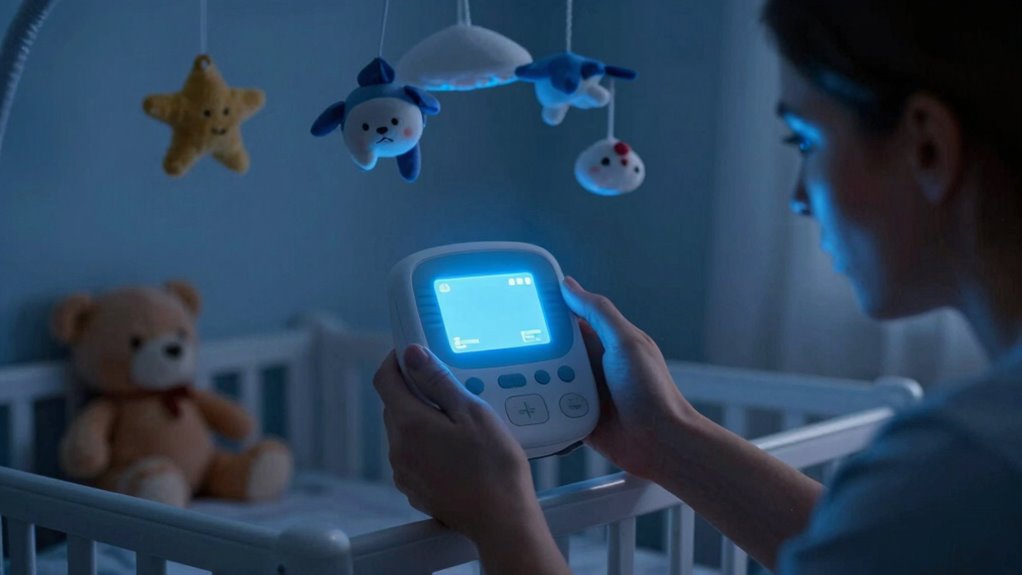
Many parents experience a nagging sense of worry when they rely on baby monitors, even though these devices are designed to provide reassurance. It’s natural to want to keep a close eye on your little one, especially during sleep hours. You set the monitor to catch every movement and sound, hoping it will ease your mind and help maintain a consistent sleep schedule. Yet, without clear notification boundaries, this well-intentioned setup can backfire, making your anxiety worse instead of better.
Without clear notification boundaries, baby monitors can increase anxiety instead of providing reassurance.
When your baby’s monitor constantly alerts you to every tiny noise, it blurs the line between normal sleep sounds and genuine concern. You find yourself checking the monitor repeatedly, even when there’s no cause for alarm. This nonstop vigilance can disrupt your sleep schedule, leaving you exhausted and more anxious overall. Instead of feeling reassured, you start to doubt whether your baby is truly okay, feeding into a cycle of stress that’s hard to break.
The problem is that many monitors lack defined notification boundaries. They alert you to every movement or sound, regardless of its significance. Without the ability to customize alerts or set quiet hours, your focus shifts from trusting your baby to constantly monitoring the monitor itself. This heightened alertness doesn’t just interfere with your sleep; it also makes it harder to relax during quiet moments, fostering a sense of helplessness and frustration.
You might think that more notifications mean better safety, but it often results in the opposite. Over time, the constant barrage of alerts can desensitize you or lead to “alarm fatigue,” where you start ignoring or doubting the notifications altogether. This defeats the purpose of parental reassurance because it leaves you feeling less confident about your ability to interpret your baby’s needs. Instead of peace of mind, you end up feeling overwhelmed by the sheer volume of alerts, which makes maintaining a steady sleep schedule even more difficult.
To combat this, some monitors now offer adjustable notification settings, allowing you to set boundaries that align with your comfort level. Creating designated quiet hours or filtering out minor sounds can help restore a sense of control. When you establish these boundaries, you’re better able to balance vigilance with rest, reducing anxiety and supporting a healthier sleep routine for both you and your baby. Additionally, understanding monitor capabilities can help you choose the right device that fits your needs and minimizes unnecessary alerts. Recognizing how notification boundaries function is crucial for making informed decisions about monitor features, which can significantly improve your overall experience. Ultimately, clear notification boundaries are essential in preventing baby monitor anxiety from spiraling out of control, helping you regain confidence and peace of mind during those vital sleep hours.
baby monitor with customizable alerts
As an affiliate, we earn on qualifying purchases.
As an affiliate, we earn on qualifying purchases.
Frequently Asked Questions
How Can I Reduce False Alarms on My Baby Monitor?
To reduce false alarms on your baby monitor, start by adjusting sensitivity settings so it only alerts you to genuine sounds or movements. Use sleep optimization techniques like consistent sleep routines to minimize unnecessary disturbances. This helps provide parental reassurance and prevents overreacting to minor noises. Regularly check and clean the monitor’s sensors and microphones to guarantee accurate detection, leading to fewer false alarms and a calmer, more confident monitoring experience.
What Features Improve Notification Management?
To improve notification management, look for features like customizable alerts and quiet hours, which help reduce false alarms and manage your anxiety. Parental control options allow you to set privacy boundaries, so you’re only notified about important events. Privacy concerns are addressed when you choose monitors with encryption and secure access, giving you peace of mind. These features help you stay informed without feeling overwhelmed or worried about privacy breaches.
Are There Monitors With Customizable Alert Settings?
Imagine a quiet night, and your monitor softly alerts you only when your baby truly needs you. Many monitors offer customizable alert settings, letting you set notification boundaries that suit your preferences. With these features, you can avoid unnecessary disturbances while staying connected. You get peace of mind, knowing alerts are tailored to your needs, and you won’t miss important moments or wake up to false alarms.
How Does Notification Boundary Setting Affect Battery Life?
Setting notification boundaries helps improve battery life by reducing unnecessary alerts, which decreases power consumption. When you customize these boundaries, your monitor uses less energy because it only activates notifications for specific areas or events. This targeted approach enhances battery optimization, allowing your device to last longer between charges. Consequently, adjusting notification boundaries can notably extend your monitor’s operational time, making it more reliable and efficient for daily use.
Can Notifications Be Muted During Specific Times?
Yes, you can mute notifications during specific times by setting silent hours through notification scheduling. This feature allows you to customize when you receive alerts, helping you avoid unnecessary disturbances during sleep or important work periods. By configuring silent hours, you guarantee that notifications are muted automatically, giving you peace of mind and reducing baby monitor anxiety. This way, you stay informed without the constant worry of constant alerts disrupting your routine.
Conclusion
Without clear notification boundaries, your anxiety over your baby’s safety can spiral out of control. Imagine checking your monitor late at night, only to be flooded with constant alerts that leave you overwhelmed. Setting proper boundaries helps you trust the system and stay calm, knowing you’ll be alerted only when truly necessary. This peace of mind allows you to rest easier, confident that you’re providing the best safety net without unnecessary stress.