
Digital assistants focus on voice commands, giving quick info and controlling smart devices via cloud processing, but they often raise privacy concerns since voice data is sent online. Home automation controllers act as centralized hubs, managing multiple devices locally and creating complex routines. While assistants are easy to use, controllers offer more customization and device support. If you want to understand which option best fits your needs, there’s more to discover below.
Key Takeaways
- Digital assistants offer quick voice-based interactions, while home automation controllers provide complex device management and automation routines.
- Assistants rely on cloud processing, raising privacy concerns; controllers often process data locally for enhanced privacy.
- Compatibility varies; controllers typically support a broader range of devices and protocols than digital assistants.
- Home automation controllers enable detailed automation, scheduling, and multi-device coordination beyond simple voice commands.
- Digital assistants are user-friendly and easy to set up, whereas controllers may require technical skills for configuration.
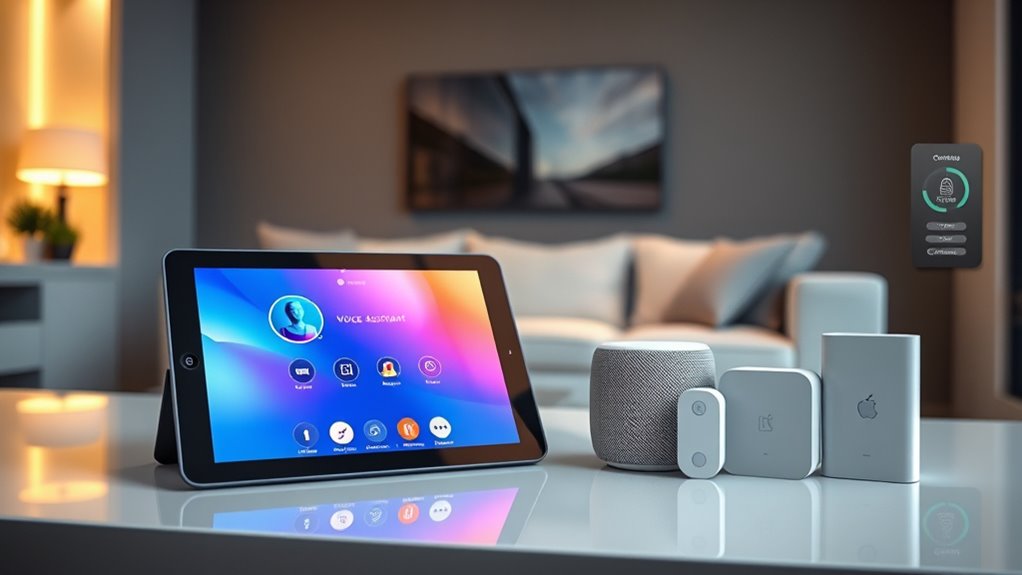
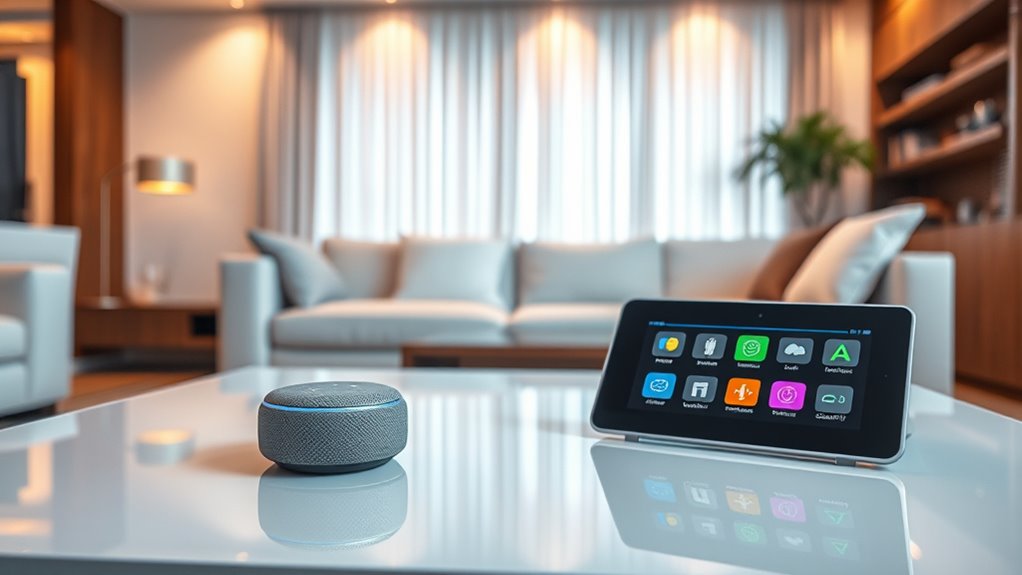
Digital assistants, like Alexa or Google Assistant, are designed to respond to voice commands and provide quick access to information, entertainment, and smart device control. They’re typically cloud-based, which means they send your voice data to servers for processing. While this setup allows for seamless voice recognition and integration, it can raise privacy concerns. If you’re sensitive about your conversations or personal data, you’ll need to understand how your assistant’s manufacturer handles data security and whether they store or analyze your voice recordings. Some companies offer options to delete voice logs or limit data sharing, but the default settings may not always prioritize your privacy.
Device compatibility is another critical issue with digital assistants. Not all smart devices are compatible with every assistant platform, so you need to verify that your existing gadgets can integrate smoothly. For example, if you have smart lights, thermostats, or security cameras, check whether they work with your preferred digital assistant. Compatibility issues can limit your ability to control all devices through voice commands, forcing you to use multiple apps or interfaces, which can be frustrating. Conversely, some smart devices are designed to work with multiple assistants, giving you flexibility, but you must still confirm compatibility before purchase.
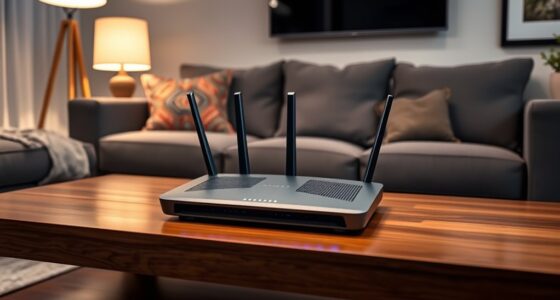
Home automation controllers, on the other hand, tend to serve as centralized hubs that manage a broad range of devices through a unified interface. They often connect directly to your smart devices via protocols like Zigbee or Z-Wave, bypassing cloud processing for many functions. This can alleviate some privacy concerns because data stays local, reducing exposure to third-party servers. Additionally, because controllers are built with device compatibility in mind, they typically support a wider array of gadgets and allow more complex automation routines. You can set custom schedules, triggers, and rules that coordinate multiple devices simultaneously, creating tailored smart home experiences. However, this setup might require more technical knowledge to configure and maintain, especially if you’re integrating many different brands and protocols. Furthermore, high refresh rates in projectors are essential for smooth gaming, which is a consideration if you plan to use your setup for interactive entertainment.
Frequently Asked Questions
Can Digital Assistants Operate Offline Without Internet Access?
No, digital assistants generally can’t operate offline without internet access. They rely on cloud servers for processing commands, so offline functionality is limited. This also raises privacy implications, as data is transmitted to and from the cloud. If you want more privacy and offline capabilities, consider home automation controllers instead, which can run locally and don’t depend on internet connectivity.
How Do Privacy Concerns Differ Between Digital Assistants and Home Automation Controllers?
You should know that privacy concerns differ because voice recognition data is often stored and processed differently. Digital assistants tend to collect and analyze voice data constantly, raising worries about unauthorized access. They use data encryption to protect your information, but risks remain. Home automation controllers usually handle less personal data and focus on device commands, so your privacy might be better protected, especially if you disable voice recognition features.
Are There Compatibility Issues Between Various Smart Home Devices and These Controllers?
Compatibility concerns can complicate your smart home setup. You might face device interoperability issues where different brands don’t work well together. Standardization challenges mean some devices may not seamlessly sync with your preferred controller or digital assistant. To avoid these hassles, research device compatibility and choose products that support common standards. This proactive approach promotes smooth, synchronized smart home experiences, simplifying your setup and enhancing overall convenience.
What Is the Typical Cost Difference Between Digital Assistants and Home Automation Controllers?
You’ll find digital assistants generally cost less, with pricing comparison showing they range from free to around $50 for smart speakers. Home automation controllers tend to be pricier, often from $200 to over $500, depending on features. Installation costs also vary; digital assistants usually require minimal setup, while controllers might need professional installation, increasing overall expenses. So, budget and desired complexity guide your choice between these options.
How Scalable Are Home Automation Controllers for Expanding Smart Home Systems?
Think your smart home is a tiny island? Think again. Home automation controllers are surprisingly scalable, but beware of scalability challenges and expansion limitations. You can add devices, but eventually, the system might feel overwhelmed or require complex configurations. While they grow with your needs, pushing beyond their limits could turn your smart home into a digital traffic jam. So, plan ahead or face the chaos of an overstuffed network.
Conclusion
In the battle between digital assistants and home automation controllers, your choice depends on your needs. Digital devices deliver dynamic dialogue and data-driven decisions, while controllers provide consistent control and customization. Deciding between them isn’t dull—dare to evaluate your preferences, demands, and dreams. Explore the design, discover the differences, and decide what suits your space best. Ultimately, whether you prioritize personalization or simplicity, your perfect smart setup awaits your decision.