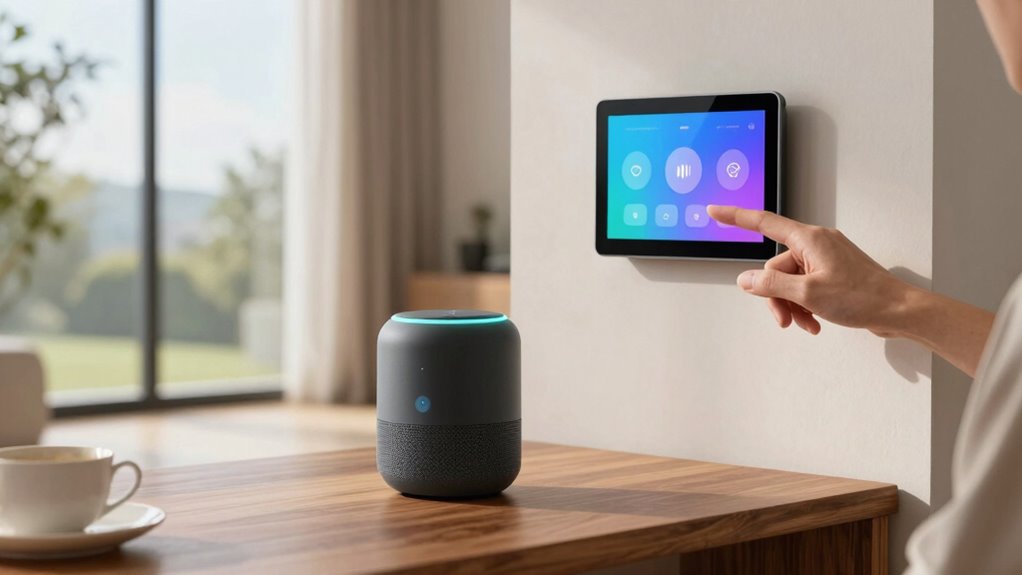

To save steps every day, start by ensuring your devices are compatible with your preferred voice assistant, connect them to Wi-Fi, and update their software. Enable voice control in their apps, link them to other smart devices, and set up routines for common tasks like morning or bedtime commands. Regularly review privacy and settings to keep your system secure. If you want to make your daily routines even smoother, you’ll discover helpful tips for seamless integration further along.

Get decor and gifts delivered free — and shop member deals
- Fast, free delivery on millions of items
- Access to Prime Big Deal Days deals on October 6–7
- Prime Video, Amazon Music and more included
Key Takeaways
- Use routines or scenes to automate multiple device actions with a single voice command.
- Link all compatible smart devices during setup for seamless control and integration.
- Regularly update device software and voice assistant apps to access new features and improvements.
- Customize voice commands for common daily tasks to reduce repeated steps.
- Review and adjust privacy settings to streamline control while maintaining security.
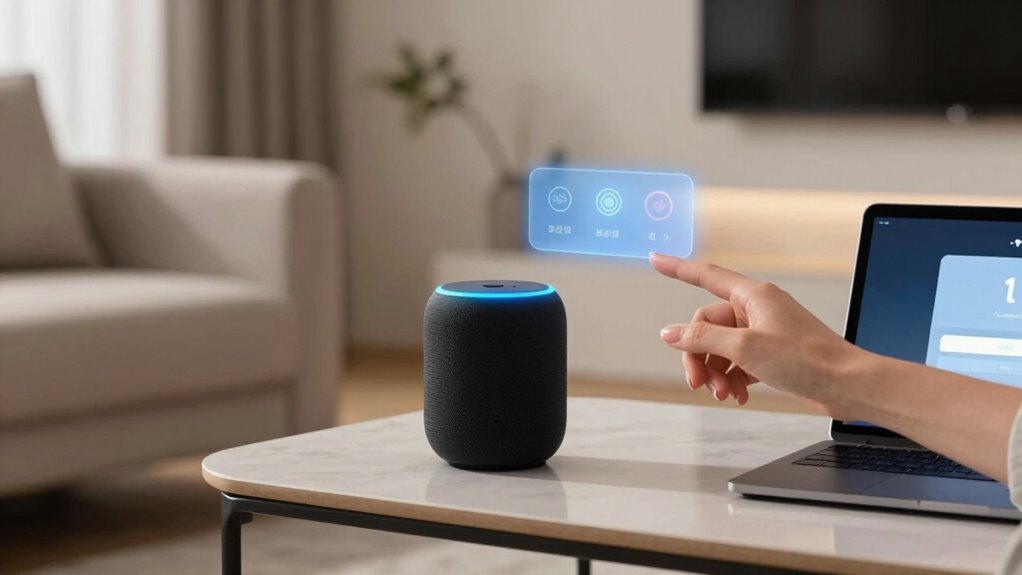
Have you ever wondered how to set up voice control on your device? It’s a straightforward process that can considerably streamline your daily routines. When you start with proper setup, you’ll find that controlling your smart home becomes more intuitive and less time-consuming. The key is understanding how to integrate your voice assistant seamlessly into your existing smart home ecosystem. First, confirm your device is compatible with your preferred voice assistant, whether it’s Alexa, Google Assistant, or Siri. Once you verify compatibility, connect your device to your Wi-Fi network and update its software to the latest version. This prevents bugs and guarantees you have the newest features for smooth smart home integration.
Start by verifying device compatibility, then connect to Wi-Fi and update software for smooth voice control setup.
Next, enable voice control settings within your device’s app. This often involves signing into your account and granting necessary permissions. As you do this, consider the privacy considerations involved. Voice control systems are always listening for wake words, so it’s essential to be aware of when your device is actively listening and what data it collects. Adjust privacy settings to limit data sharing and review permissions regularly to maintain control over your information. Many devices allow you to turn off voice recordings or delete stored voice data, giving you additional privacy assurances. Understanding smart home integration can help you optimize the setup process and ensure all your devices work harmoniously.
Once your device is ready, start linking it to compatible smart home devices—lights, thermostats, locks, or cameras. Smart home integration is what makes voice commands truly powerful, allowing you to control multiple devices with a single phrase. For example, you can say, “Good morning,” and have your lights turn on, the thermostat adjust, and your coffee maker start brewing. Setting up routines or scenes within your smart home app simplifies this process and makes your voice commands more effective. Take the time to customize these routines so they fit your daily schedule. Additionally, understanding device compatibility can help prevent issues with unresponsive or incompatible devices.
Keep in mind that voice control setup isn’t a one-time task. Periodically review your device’s settings and privacy options to stay updated with new features or security improvements. It’s also wise to test your voice commands regularly and adjust your phrasing if needed. By doing so, you’ll guarantee that your smart home responds accurately and efficiently. Additionally, understanding compatibility of your devices can further streamline the process. Learning about the privacy considerations involved can help you maintain control over your data, making your setup more secure. With a properly configured setup, you’ll save steps every day, making your routines faster and more convenient. Ultimately, smart home integration paired with thoughtful privacy considerations makes voice control a seamless, secure, and valuable addition to your daily life.
Amazon Alexa compatible smart devices
As an affiliate, we earn on qualifying purchases.
As an affiliate, we earn on qualifying purchases.
Frequently Asked Questions
Can Voice Control Work Offline Without Internet?
Voice control can work offline sometimes, but it depends on your device and its offline capabilities. Certain devices have voice command limitations when offline, meaning you can’t access all features without internet. To verify offline device compatibility, check if your device supports local speech recognition. If it does, you can use voice commands without an internet connection, but expect some restrictions in functionality compared to online use.
Is Voice Control Compatible With All Smart Devices?
Voice control isn’t compatible with all smart devices, but you can customize voice commands for many. To guarantee smooth operation, consider device compatibility factors like supported brands and platforms. You might need to check if your devices work with your chosen voice assistant or require specific apps. By understanding device compatibility considerations, you can optimize your setup, making voice command customization seamless and effective across your smart home ecosystem.
How Secure Is Voice Control Data Privacy?
Surprisingly, voice control data privacy is quite secure, thanks to robust data encryption and strict privacy policies. Yet, it’s easy to feel like Big Brother is listening, isn’t it? You can rest assured that your commands are protected, but always double-check privacy policies to understand how your data is used. While it’s generally safe, a little healthy skepticism keeps your voice assistant in check.
Can Multiple Users Customize Voice Commands?
Yes, multiple users can customize voice commands through user-specific profiles. You can set up individual profiles for each person, allowing personalized voice command customization that caters to each user’s preferences. This feature guarantees everyone in your household or team can efficiently control devices with their unique voice commands. By creating user-specific profiles, you enhance convenience, privacy, and overall voice control experience for everyone involved.
How Do I Troubleshoot Voice Recognition Errors?
To troubleshoot voice recognition errors, start by doing voice training to improve accuracy. Make sure your device is properly calibrated by checking its microphone and speaker settings. Speak clearly and in a quiet environment. If issues persist, restart your device or update the software. Regularly recalibrating the device and refining your voice training helps maintain effective voice commands, reducing errors and making your setup more responsive and reliable.
Conclusion
Setting up voice control can transform your daily routine, making tasks quicker and more efficient. As the saying goes, “A stitch in time saves nine”—investing a little effort now pays off later. With voice commands, you’ll find yourself saving steps and reducing stress, allowing more time for what truly matters. Embrace this technology today, and enjoy the seamless convenience it brings to your life. The future favors the prepared—so start now!
Fall Picks
fall essentials
As an affiliate, we earn on qualifying purchases.