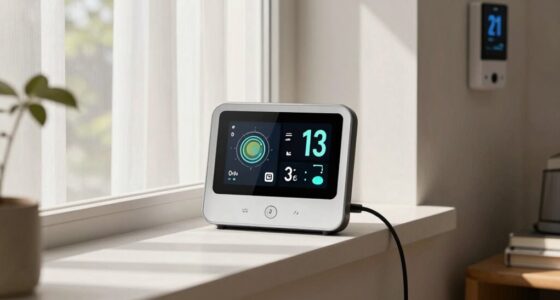
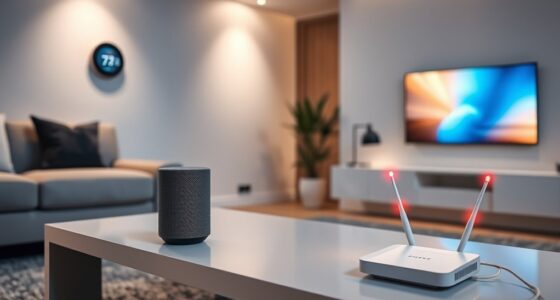
To boost your smart home security, start by managing all connected devices through regular monitoring and proper configuration, ensuring no unfamiliar items are connected. Change default passwords to strong, unique ones and keep your firmware updated promptly to fix vulnerabilities. Use separate Wi-Fi networks for smart devices, and enable automatic updates when possible. Taking these steps today can substantially reduce risks; staying informed on other essential security measures will help keep your home safer.

Get decor and gifts delivered free with Prime
- Fast, free delivery on millions of items
- Prime Video, Amazon Music and more included
- Member-only deals all year
Key Takeaways
- Change default passwords on all devices and Wi-Fi networks to strong, unique credentials.
- Enable automatic firmware updates and manually check for patches regularly.
- Segregate smart devices onto a separate or guest Wi-Fi network for added security.
- Configure devices with secure protocols and disable unnecessary features to reduce vulnerabilities.
- Regularly review device activity logs and maintain a schedule for security and firmware maintenance.
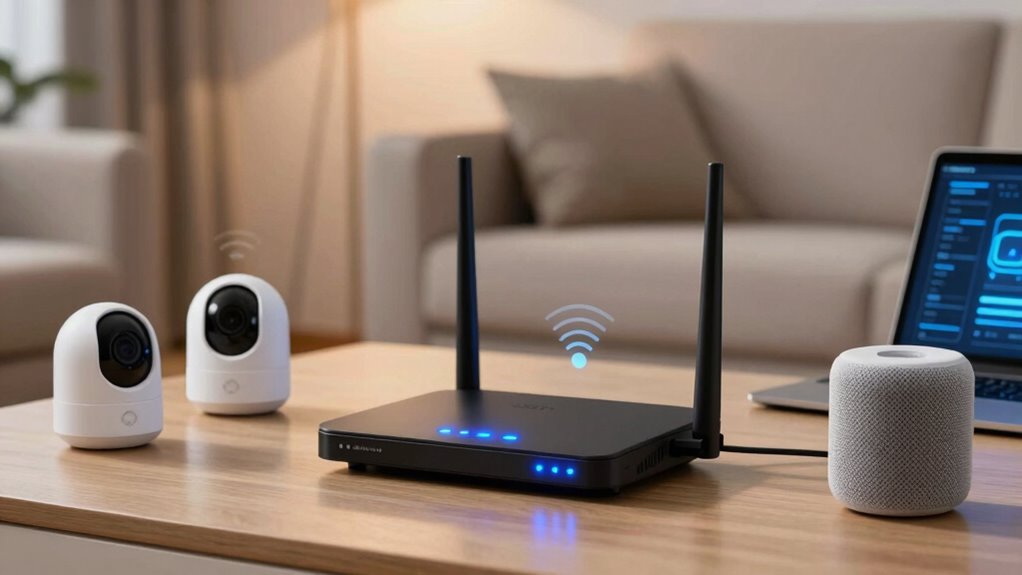
Have you ever wondered how secure your smart home network truly is? Many homeowners underestimate the vulnerabilities that come with interconnected devices, leaving their digital doors open to potential threats. The first step toward safeguarding your smart home is understanding how IoT device management plays a vital role in maintaining security. Managing your devices effectively involves keeping track of all connected gadgets, ensuring they’re configured properly, and updating their security settings regularly. When you actively monitor your IoT device management, you prevent unauthorized access and reduce the risk of compromised devices serving as entry points for cyber attackers.
Effective IoT device management reduces security risks and prevents unauthorized access in your smart home.
Another key aspect is guaranteeing your firmware update protocols are solid and reliable. Firmware acts as the brain of your IoT devices, controlling their functions and security features. Manufacturers often release firmware updates to patch vulnerabilities discovered after the device’s initial launch. If you neglect to perform these updates promptly, you leave your devices exposed to known exploits. That’s why establishing a routine for firmware updates is essential. Many modern devices support automatic updates, but you should verify that these are enabled and functioning correctly. When updates are delayed or skipped, hackers can exploit outdated firmware to gain access to your network.
To enhance your smart home’s security, start by reviewing your device management practices. Regularly log into your device settings to check for any unfamiliar connections or devices you don’t recognize. Change default passwords immediately, as these are often well-known and easy for hackers to guess. Use strong, unique passwords for each device and your Wi-Fi network, making it much harder for intruders to infiltrate. Segregating your smart devices onto a separate network or guest Wi-Fi can add an extra layer of protection, isolating potential breaches from your main devices and personal data. Additionally, understanding connectivity protocols can help you select more secure device configurations and reduce vulnerabilities.
When it comes to firmware updates, set up automatic updates if available, and manually check for updates if not. Read the update notes to understand what vulnerabilities or issues are being addressed. Sometimes, updates include critical security patches, so don’t delay installing them. If your devices lack support for automatic updates, make it a point to check weekly or monthly for new firmware versions. Keep a record of your updates, and ensure they’re applied correctly to prevent any security gaps.
As an affiliate, we earn on qualifying purchases.
Frequently Asked Questions
How Often Should I Update My Smart Home Device Firmware?
You should update your smart home device firmware as often as possible, ideally whenever updates become available. Firmware updates fix device vulnerabilities and patch security flaws that could be exploited by hackers. Regular updates ensure your devices stay secure, reducing the risk of breaches. Don’t delay updating—keeping your firmware current is a simple but effective way to protect your smart home network from potential threats.
Can I Secure My Smart Home Network Without Changing My Router?
Imagine a hacker gains access to your smart home, but network segmentation and device authentication block their efforts. You can secure your network without changing your router by enabling strong device authentication and creating separate network segments for your smart devices. This limits access, even if one device is compromised. These steps make it harder for intruders to move laterally and keep your smart home safer without needing a router upgrade.
What Are the Signs of a Compromised Smart Home Device?
If your smart home device shows unusual device behavior like random restarts, slow responses, or unexplained data usage, it might be compromised. Look for signs of unauthorized access, such as unfamiliar devices connected to your network or unexpected activity in your device logs. These indicators suggest someone could be controlling your device without permission, so you should investigate further and update your security settings immediately.
Is It Safe to Use Public Wi-Fi for My Smart Home Devices?
Using public Wi-Fi for your smart home devices isn’t the safest choice, as it exposes you to public Wi-Fi risks and smart device vulnerabilities. When you connect, you could unknowingly open doors to cyber threats. To protect your devices, avoid using public networks or use a secure VPN. This way, you keep your smart home secure, ensuring your devices stay private and protected from malicious attacks.
How Do I Create a Separate Network for Smart Home Devices?
You should create a separate network for your smart home devices by setting up network segmentation and device isolation. Access your router’s settings and enable a guest network or create a dedicated Wi-Fi network specifically for your smart devices. This isolates them from your main network, reducing security risks. By segmenting your network, you prevent potential breaches from spreading and keep your personal data safe.
Conclusion
So, go ahead—change those five settings today. After all, what’s more fun than turning your smart home into a digital fortress… or a target? Because nothing screams “I’ve got my security covered” like leaving your devices open for a hacker to throw a virtual housewarming party. Remember, in the world of smart homes, a little paranoia might just keep your Wi-Fi from inviting unwanted guests—both human and digital. Stay safe, or at least pretend to!
Halloween Picks
halloween
As an affiliate, we earn on qualifying purchases.