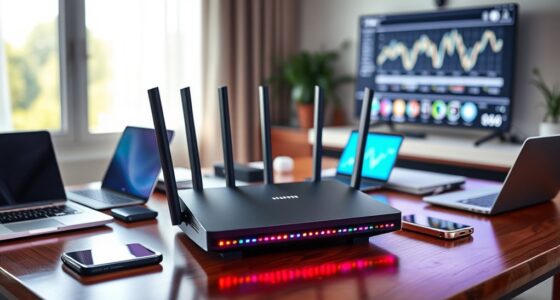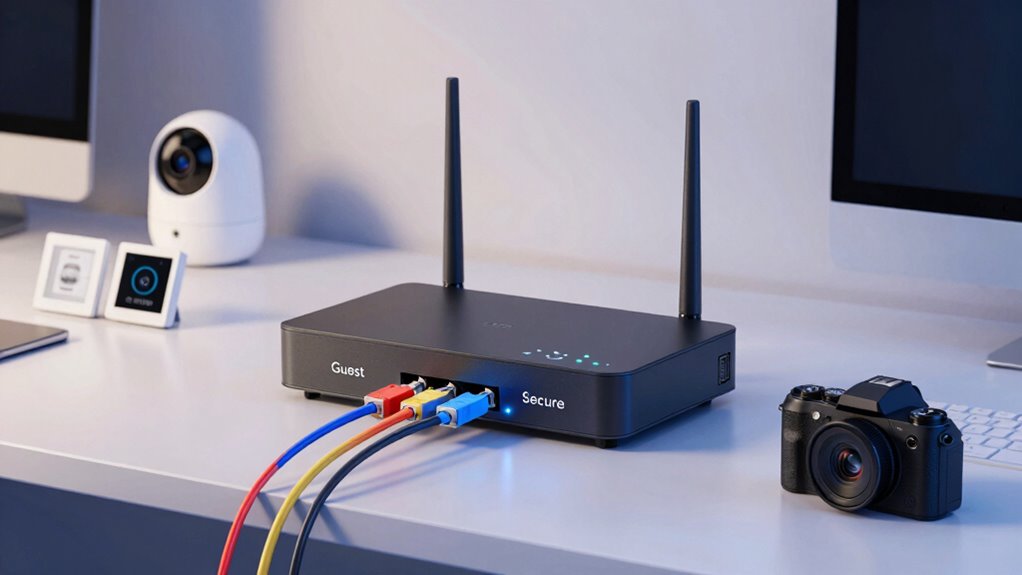

Using just a guest SSID for your IoT devices isn’t enough because it often lacks the necessary security measures to truly isolate these gadgets. Guest networks typically don’t separation IoT devices from your main network or protect against cyber threats. If a device gets compromised, it could give hackers access to your sensitive data or other connected gadgets. To better understand how complete network segmentation can boost your security, keep exploring this topic.

Get decor and gifts delivered free with Prime
- Fast, free delivery on millions of items
- Prime Video, Amazon Music and more included
- Member-only deals all year
Key Takeaways
- Guest SSIDs often lack the necessary security measures to isolate IoT devices effectively.
- Relying solely on a guest network leaves IoT gadgets vulnerable to cyber threats and unauthorized access.
- Proper device separation requires dedicated network segments, not just a guest Wi-Fi, for enhanced security.
- Guest networks typically do not restrict IoT device communication to prevent potential spread of malware.
- Network segmentation creates isolated zones, offering better protection than a simple guest SSID setup.
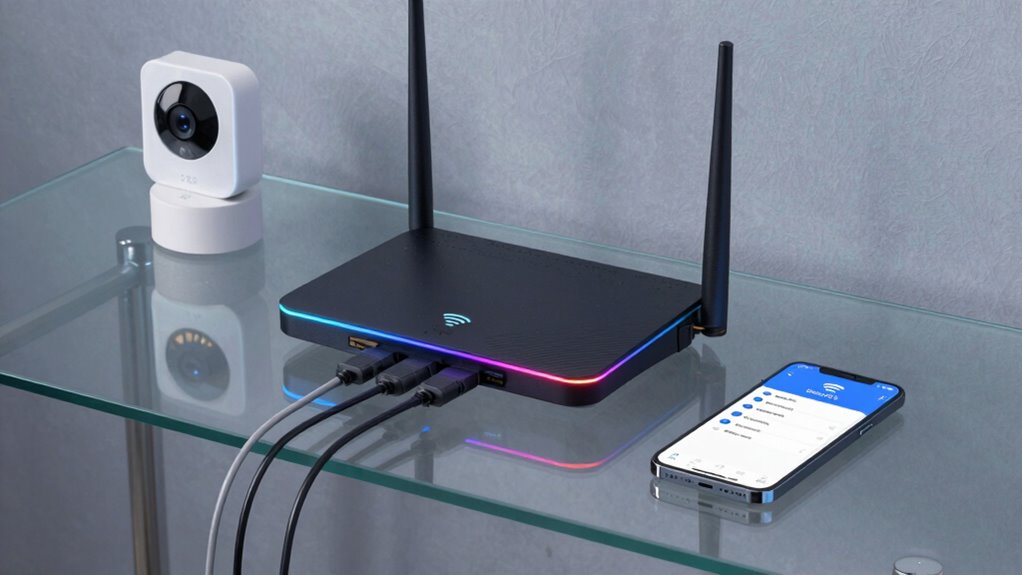
Creating a separate IoT network is an vital step to enhance your security and optimize device performance. When you isolate your IoT devices from your main network, you create a safer environment that minimizes the risk of cyber threats spreading. Device isolation ensures that if one device becomes compromised, it cannot easily access sensitive data or other connected devices. This is where network segmentation plays an essential role. By segmenting your network, you effectively split it into multiple, isolated zones, each with its own security policies and controls. This way, your IoT devices operate within their own segment, separate from your personal computers, smartphones, and work equipment.
A guest SSID, while helpful, isn’t enough to fully safeguard your network. Many people set up a guest network to isolate visitors and their devices, but this often doesn’t extend to IoT devices. IoT gadgets—smart thermostats, cameras, or voice assistants—are frequently connected to the main network or a default guest network that doesn’t have the necessary security measures in place. Without proper device isolation, these devices can become entry points for cybercriminals, who might exploit vulnerabilities to access your personal data or even control other devices in your network.
Implementing network segmentation means you’re actively controlling how devices communicate. You can set up separate VLANs (Virtual Local Area Networks) or use advanced router features to create distinct zones. This setup not only prevents malicious activity from spreading but also helps in managing network traffic more efficiently. For example, your IoT devices can communicate seamlessly within their segment, without interfering with or being exposed to your main devices. This separation also simplifies troubleshooting, as issues in one segment won’t affect the entire network.
As an affiliate, we earn on qualifying purchases.
Frequently Asked Questions
How Does a Dedicated Iot Network Improve Security?
A dedicated IoT network improves security by providing network isolation, which keeps IoT devices separated from your main network, reducing vulnerability spreads. It also enables data encryption specific to IoT devices, safeguarding sensitive information from hackers. This setup minimizes the risks of unauthorized access, ensuring your primary network stays protected even if an IoT device is compromised. You get better control, enhanced security, and peace of mind with a dedicated IoT network.
Can I Integrate My Iot Devices With Existing Networks Easily?
Imagine your smart home as a bustling city where devices need smooth roads to connect. You can integrate your IoT devices with existing networks easily by checking network compatibility first. Most devices are designed for seamless device integration, but verify your router supports these connections. With a little setup, your smart gadgets will work harmoniously, making your home smarter without complicated rewiring or new networks.
What Hardware Is Needed to Set up a Separate Iot Network?
To set up a separate IoT network, you’ll need an IoT gateway to connect your devices securely and manage data flow. A network switch helps create a dedicated, isolated network segment, ensuring your IoT devices don’t interfere with your main network. Connect these components to your existing router, configure network settings, and you’ll have a secure, efficient, and separate IoT network that keeps your devices safe.
How Does Network Segmentation Affect Iot Device Performance?
Network segmentation improves IoT device performance by reducing network latency and enhancing device isolation. When you segment your network, IoT devices operate in their own dedicated space, minimizing interference from other devices and traffic. This setup ensures smoother functioning, faster response times, and increased security, as compromised devices are isolated from your main network. Overall, segmentation optimizes performance and safeguards your network from potential threats.
Are There Cost Differences Between Separate Iot Networks and Guest SSIDS?
A separate IoT network generally costs more than a guest SSID because of higher infrastructure expenses. You’ll need additional hardware, such as routers, switches, and potentially dedicated access points, increasing your overall cost comparison. While setting up a dedicated network offers better security and performance, it requires a bigger investment upfront, making it pricier than simply creating a guest SSID on your existing network.
Conclusion
Remember, a chain is only as strong as its weakest link. Relying solely on a guest SSID isn’t enough to secure your IoT devices. By setting up a separate network, you create a dedicated barrier that keeps potential threats at bay. It’s worth the extra effort to protect your smart home or office. After all, an ounce of prevention is worth a pound of cure—so take the proactive step today for peace of mind tomorrow.
Halloween Picks
halloween
As an affiliate, we earn on qualifying purchases.